


All blogs
Top 8 Free Word Cloud Generator Apps You Need to Try in 2025
Share


 Copied

K-12

1min read

October 22, 2025
Word clouds are a fantastic way to visualize text data, making it easy to spot trends and themes at a glance. Whether you’re a teacher creating a lesson, a business professional analyzing feedback, or a student wanting to enhance a presentation, a word cloud can transform text into a visually appealing graphic.
With many free tools available, creating word clouds has never been easier! This guide dives into the best free word cloud generator apps, highlighting the unique features of each one to help you pick the best tool for your needs.
What to Look for in a Free Word Cloud Generator
When selecting a word cloud generator, consider these essential features to ensure you’re getting the best tool for your project:
- Audience Interaction: Do you want your audience to create a word cloud for better interaction during live presentations? Choose a tool that allows audience contributions to create an interactive experience.
- Ease of Use: A user-friendly interface makes creating word clouds enjoyable, even for beginners.
- Customization Options: Look for tools that allow you to adjust fonts, colors, and shapes.
- Input Flexibility: Some generators accept text files, URLs, or even direct typing, giving you multiple ways to create.
- Output Formats: Check if you can export your word cloud in popular file formats like PNG, PDF, or SVG.
8 Best Free Word Cloud Generator Apps
| Tool | Best For | Pros | Cons |
| ClassPoint | Audience-generated word clouds in interactive presentations | – Seamlessly integrated into PowerPoint– Interactive & engaging– Great for audience feedback | – Requires PowerPoint– Best for live presentations, not static clouds |
| WordArt.com | Visually stunning, customizable word clouds | – Artistic designs– Animated word clouds | – Free plan only allows image export– Higher learning curve due to customization |
| Free Word Cloud Generator | Simple, quick word clouds without complex settings | – Create account to save and review– Paste/enter text or input CSV file | – Must create account to save– No word distance adjustment– Ads in free version |
| WordClouds.com | Unique-looking word clouds | – Versatile input options– Multiple fonts & wrapping– Save/share options | – Ads in free version– Higher learning curve due to more customization options |
| ABCYa.com Word Cloud Generator | Kid-friendly word clouds for younger students | – Easy to use– Customizable shapes, colors, and fonts | – Only word input– Save as PNG or print– Ads before use |
| TagCrowd | Text analysis & keyword visualization | – Input via text, webpage, or file– Supports multiple languages– Filters out common words | – Limited visual customization– Simple, rectangle design |
| TextMagic Word Cloud Generator | Custom word cloud creation with chosen colors & backgrounds | – Multiple export options– Customizable– Provides frequency data | – No word size or distance adjustments– Horizontal cloud format |
| Lime Convert Word Cloud | Analyzing text data as word cloud is generated | – Customizable colors, fonts, backgrounds– Analytical features– Simple UI | – No export options– Only text input, no file upload |
- ClassPoint
- WordArt.com
- Free Word Cloud Generator
- WordClouds.com
- ABCYa.com Word Cloud Generator
- TagCrowd
- TextMagic Word Cloud Generator
- Lime Convert Word Cloud
1. ClassPoint
Best For: ClassPoint is best for audience-generated word clouds in interactive presentations.
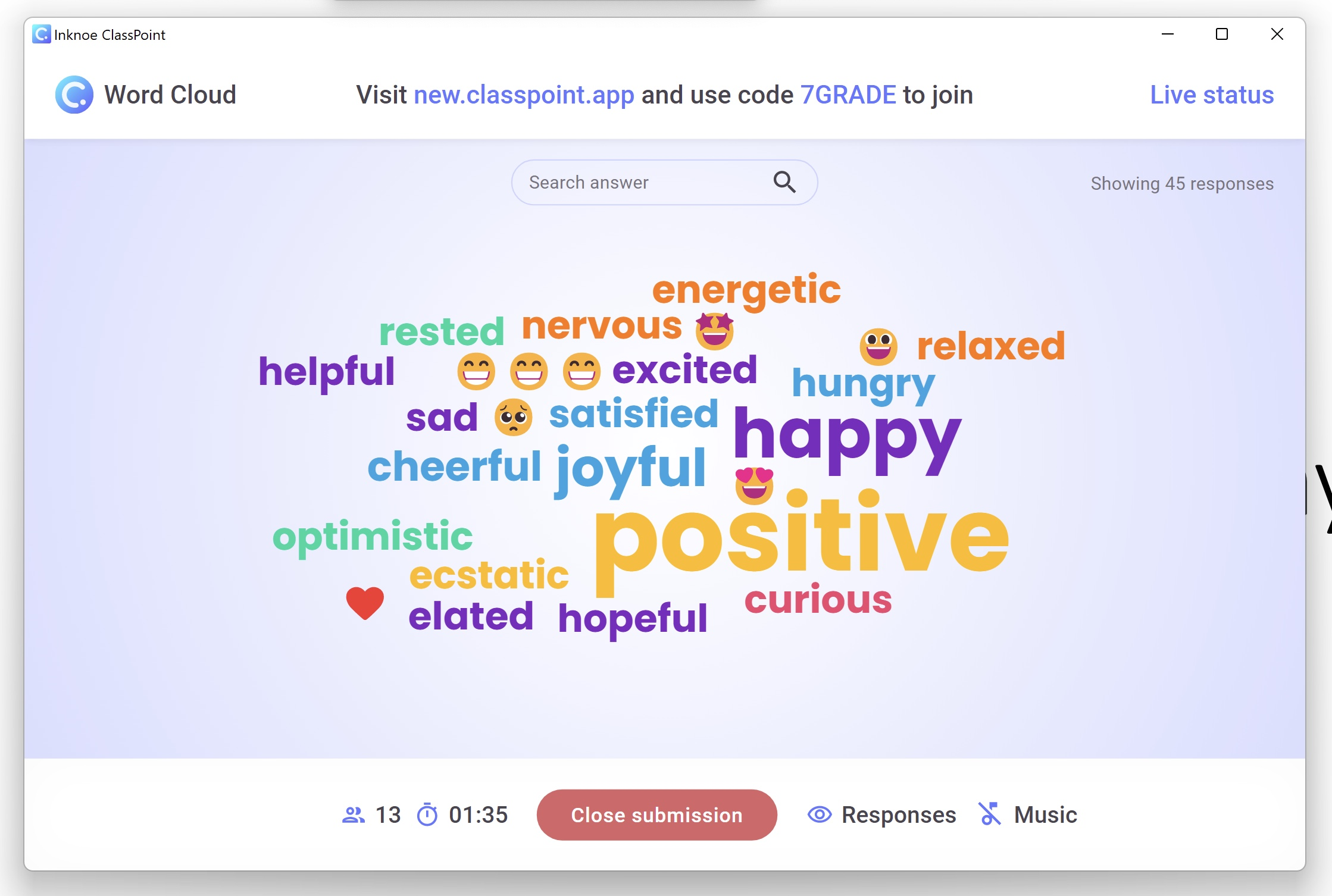
Top Features: Have your audience generate a word cloud during a presentation. ClassPoint allows real-time audience participation, easy integration with PowerPoint, and instant display of word clouds as participants respond.
Three easy steps to get started:
- Download and install ClassPoint for free
- Type your Word Cloud question on a PowerPoint slide
- Add a Word Cloud interactive button to the slide
That’s it! During your presentation, invite your audience to join your class and they can begin submitting words to create the word cloud live.
Pros:
- Seamlessly integrated into PowerPoint
- Interactive and engaging
- Great for audience feedback
- Highlight Top Answers
- See who submitted each answer
Cons:
- Requires PowerPoint
- Best suited for live presentations rather than static word cloud creation
Use Cases: Perfect for brainstorming and visually seeing audience thoughts collectively. Presenters can use it to see live input from the audience and gather feedback.
2. WordArt.com

Best For: WordArt.com is best for creating visually stunning and highly customizable word clouds.
Top Features: Choose unique shapes, fonts, and color schemes. It supports advanced features like animated word clouds, adjustable word frequency, and the ability to import specific word lists. Users can also control the layout, size, and rotation of words.
Pros:
- Artistic designs
- Ability to create animated word clouds
Cons:
- Only image export options for free plan
- Higher learning curve due to expanded customizations
Use Cases: Graphic design projects, creating unique visuals for presentations and social media.
3. Free Word Cloud Generator
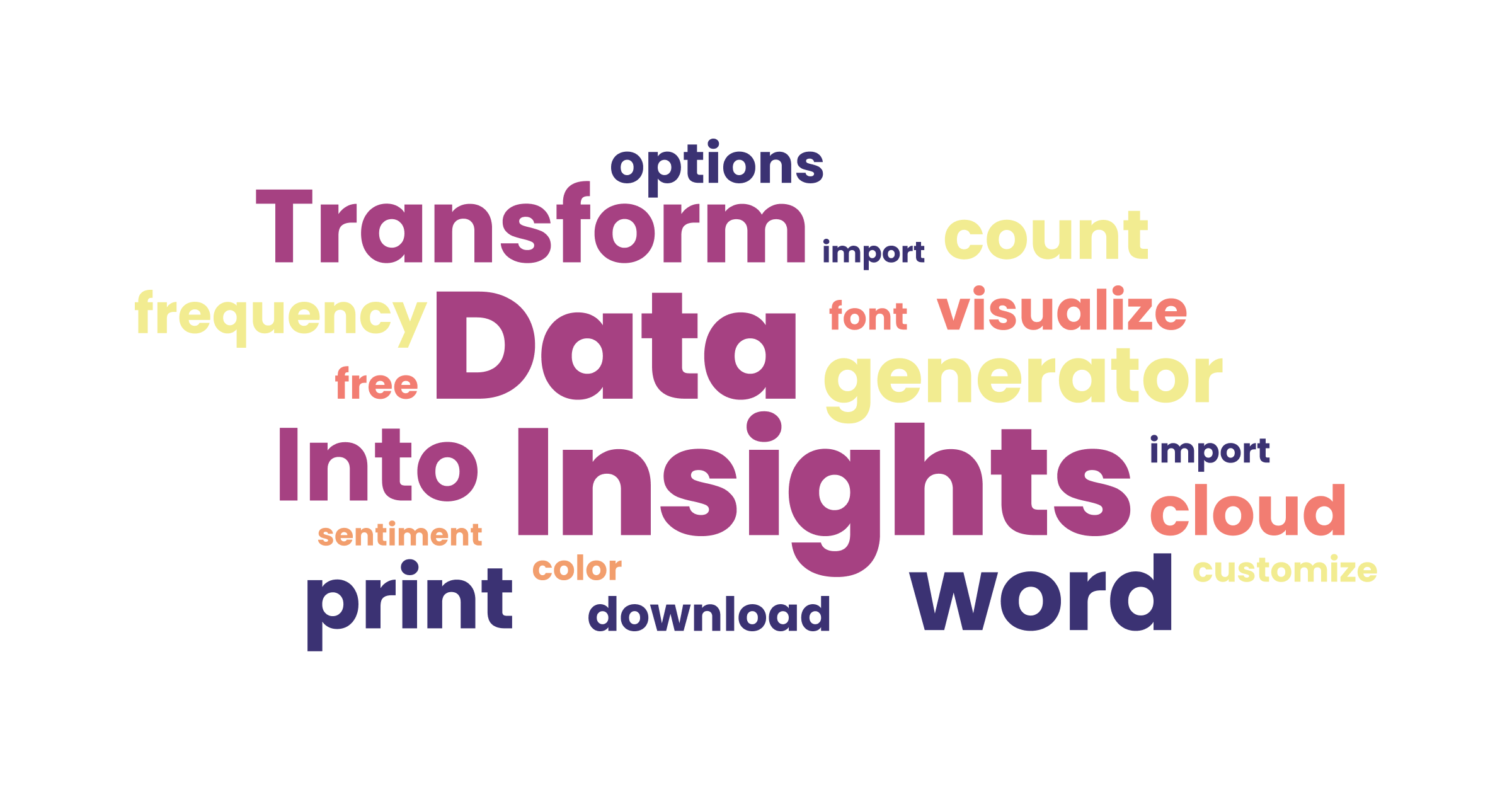
Best For: Free Word Cloud Generator is best for simple, quick word clouds without complex settings.
Top Features: Allows for inputting text directly, selecting from basic color palettes, and adjusting word orientations and sizes. It also includes options to exclude common words, ensuring only relevant terms appear prominently.
Pros:
- Create an account to easily save and review
- Paste or type text or input a CSV file
Cons:
- Must create an account to save
- No adjustment of word distance
- Includes ads in the free version
Use Cases: Quick visualizations for brainstorming or simple projects.
4. WordClouds.com
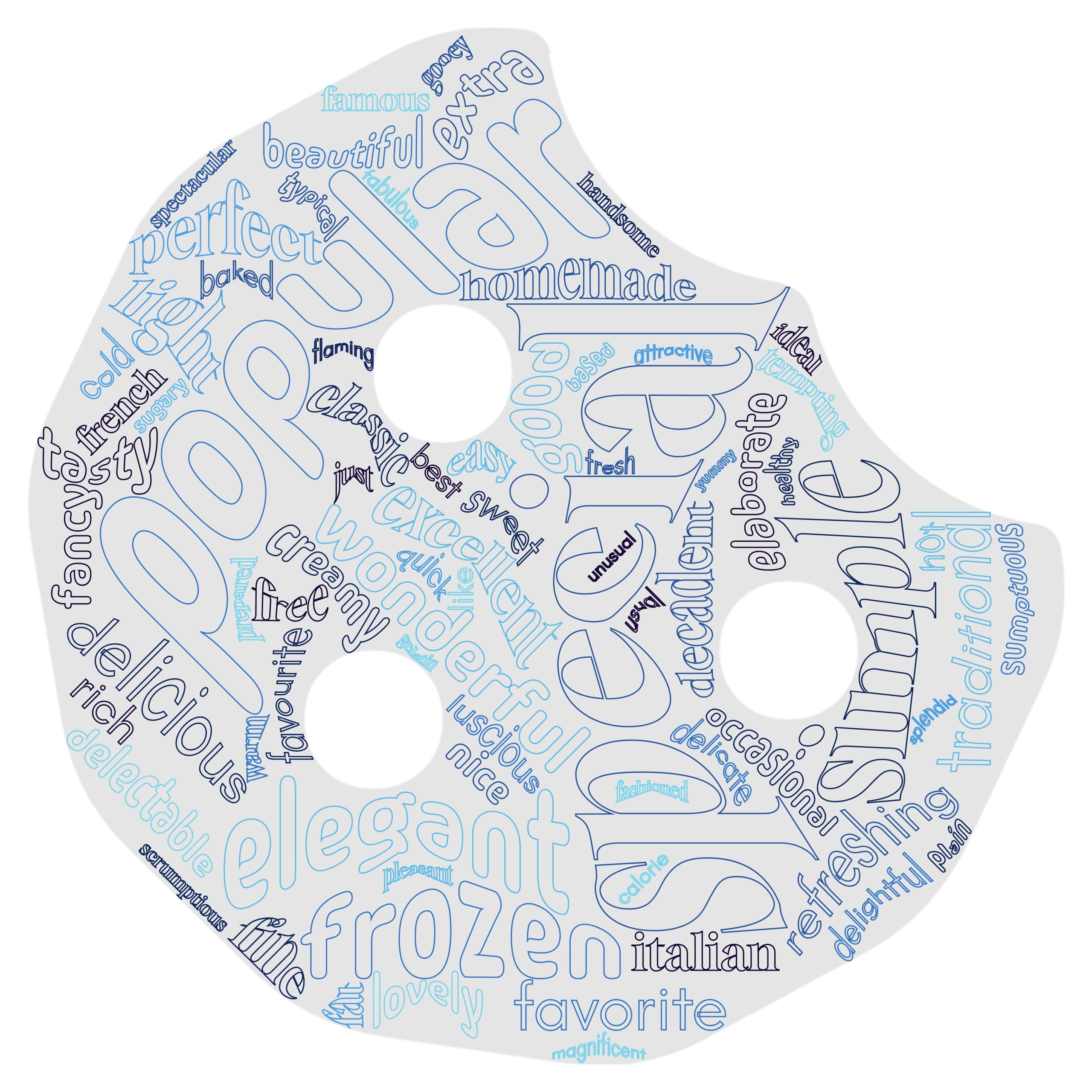
Best For: WordClouds.com is best for creating unique-looking word clouds
Top Features: Supports generating word clouds based on files or URLs. Can adjust the Word Cloud to different shapes, add multiple fonts, and adjust text placement direction.
Pros:
- Versatile input options
- Unique customizations like multiple fonts, wrapping of words, and more
- Many options for saving and sharing
Cons:
- Ads in the free version
- Learning curve is higher than other tools on the list as there are more customization options
Use Cases: Analyzing documents, and creating themed word clouds from webpages.
5. ABCYa.com Word Cloud Generator
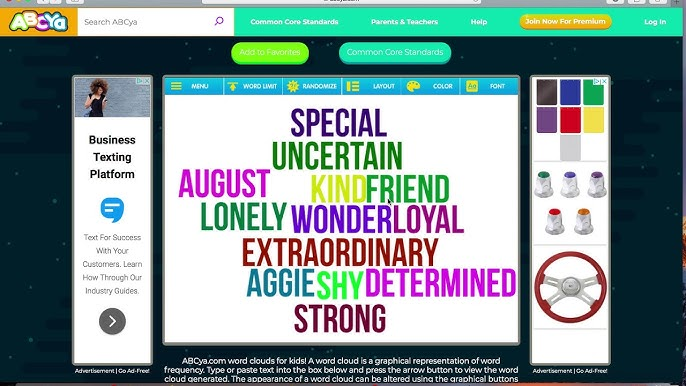
Best For: ABCYa.com is best fo kid-friendly word clouds for younger students.
Top Features: Simple design, bright colors, child-friendly fonts and shapes. Perfect for student projects.
Pros:
- Very easy to use; ideal for kids
- Change shapes of the word cloud
- Customization of colors and fonts
Cons:
- Only typing of words as input
- Save as PNG or Print
- Watch an ad to use
Use Cases: Classroom activities for young learners, spelling practice, creative projects for kids.
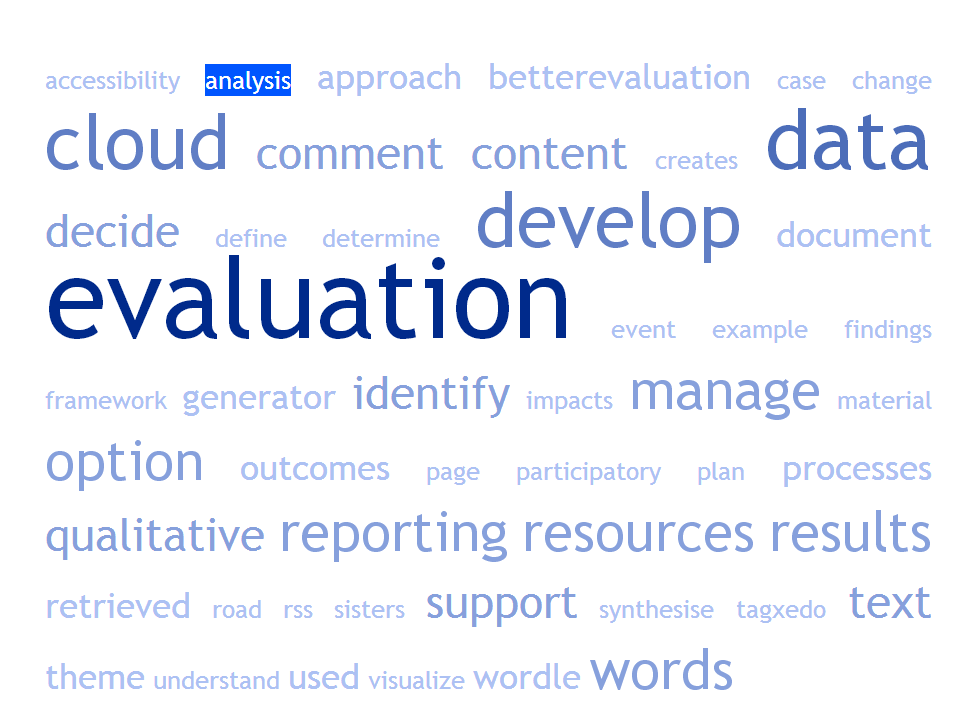
Best For: TagCrowd is best for text analysis and keyword visualization.
Top Features: Supports multiple languages and offers options to exclude common words, set a maximum number of words, and display word frequencies. The tool is designed for simplicity and efficiency, making it suitable for quick text analyses.
Pros:
- Input words with text, webpage, or file
- Supports multiple languages
- Filter out common words
Cons:
- Limited visual customization
- Simpler, rectangle design
Use Cases: Keyword analysis, research projects, SEO content visualization.
7. TextMagic Word Cloud Generator
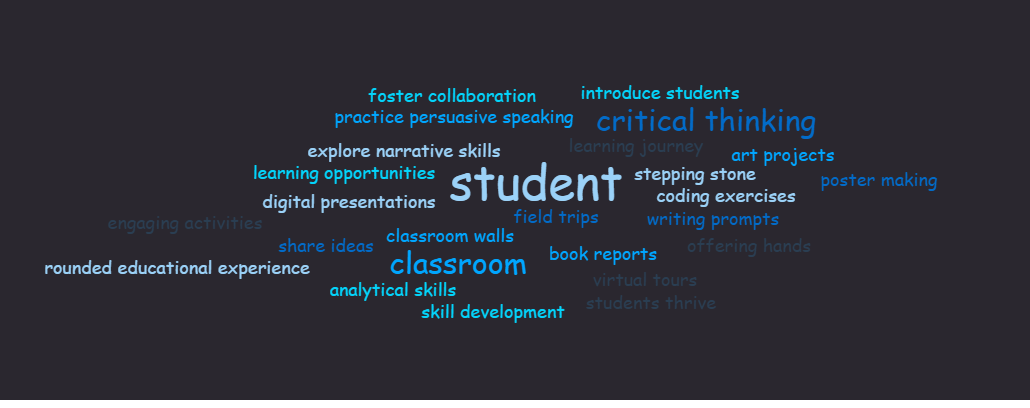
Best For: TextMagic is best for creating a custom word cloud with your choice of colors and backgrounds.
Top Features: TextMagic’s tool lets users input text directly or upload text files to generate word clouds. It offers a selection of themes, fonts, and colors to tailor the visual output to fit different aesthetic needs.
Pros:
- Multiple export options or share via link
- Multiple customization options
- Provides frequency data
Cons:
- No adjusting of word size or distance
- More of a horizontal word cloud
Use Cases: Great for quick visualizations, customer feedback analysis, and simple graphic needs.
8. Lime Convert Word Cloud
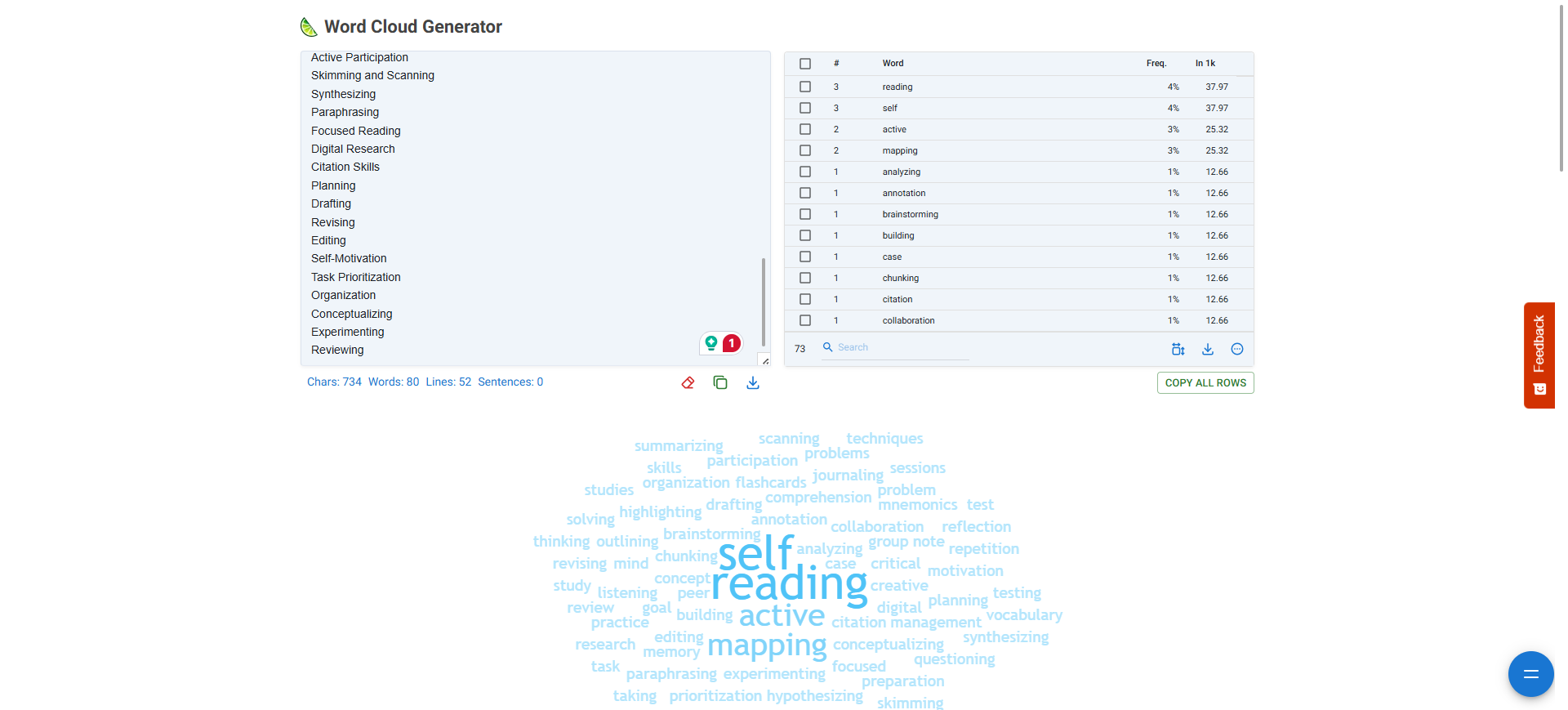
Best For: Lime Convert is best for analyzing text data as word cloud is generated
Top Features: Lime Convert generates the word cloud instantly as you type or paste in words. In addition, it includes some data for analysis like the frequency percentage that words appear. generator comes with additional tools for text analysis, including word counters and tokenizers.
Pros:
- Customize colors, fonts, and background settings
- Analytical features
- Simple UI and creation process
Cons:
- No export options
- Only paste in text, no upload of documents
Use Cases: Ideal for research projects, data analysis, and content review.
Summary of Best Free Word Cloud Generators
Each of these free tools offers unique features and functionality, making it easy to find the right fit for your needs, whether for professional, educational, or personal use.
- ClassPoint – Best for audience-generated word clouds
- WordArt.com –Creating highly customizable and artistic word clouds
- Free Word Cloud Generator – Simple, quick word clouds without complex settings
- WordClouds.com – Creating unique-looking word clouds from files or URLs
- ABCYa – Kid-friendly word clouds for younger students
- TagCrowd – Text analysis and keyword visualization
- TextMagic Word Cloud Generator – Custom word clouds with themes and background options
- Lime Convert Word Cloud – Analyzing text data as Word Cloud is generated









CustomersWhy Schools love Athena
Community of 8k+ members.
I used to spend hours creating differentiated worksheets with limited impact. Now, I can see exactly where each student is struggling in real-time. I noticed six students struggling with fraction division conceptually, so I pulled them for a targeted mini-lesson while others continued progressing independently.

FAQs
Is Athena safe and compliant with educational privacy standards?

Can Athena be used for different subjects?
How does Athena handle feedback and improve its AI models?
How does Athena provide personalized learning for each student?
What is Athena, and how does it help teachers and students?
How can I get my school or district on board?
How does Athena support responsible AI use for students?
What happens with student data?
Related blogs

2025-01-26 21:16:00 News
Must-Read Top 10 Trends in Education 2025 and Actionable Insights for Teachers
2025-04-21 17:18:00News
10 Must-Have AI Tools for Teachers in 2025: Enhance Classroom Engagement with ChatGPT and Beyond
2025-10-22 07:30:00K-12
Top 8 Free Word Cloud Generator Apps You Need to Try in 2025

Secure, Private, and Built for Schools


