


All blogs
How to generate comprehensive research reports with Perplexity Labs
Share


 Copied

Updates

3min read

June 02, 2025

The Rundown: Perplexity new Labs feature transforms simple prompts into comprehensive analytical reports with charts, statistics, and citations using advanced agentic research capabilities.
🧰 Who is this useful for:
- Business analysts needing in-depth market research reports
- Researchers requiring comprehensive data analysis with visual elements
- Content creators looking for detailed industry insights with supporting charts
- Executives wanting thorough competitive analysis with statistical backing
STEP 1: Access Labs Feature
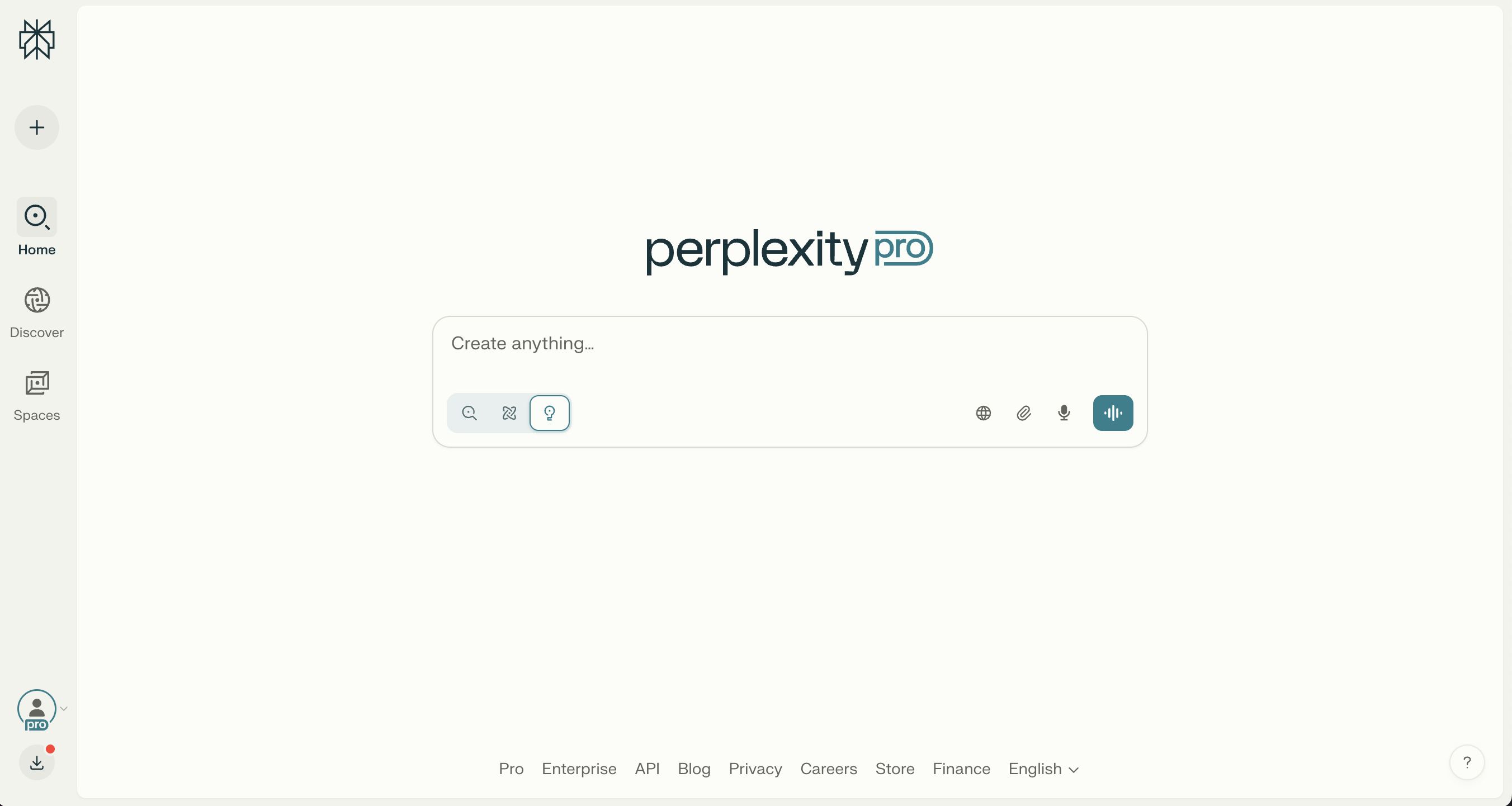
To get started with Perplexity Labs, you'll need an active Perplexity Pro subscription. Once you're logged into your Pro account, head over to the main dashboard where you'll see the familiar search interface.
Look for the lightbulb icon located within the chat input box at the bottom of your screen. This small but powerful icon is your gateway to Labs' advanced research capabilities. Click on it to activate the Labs mode, which will transform your regular search into an agentic research assistant.
STEP 2: Craft Your Research Query
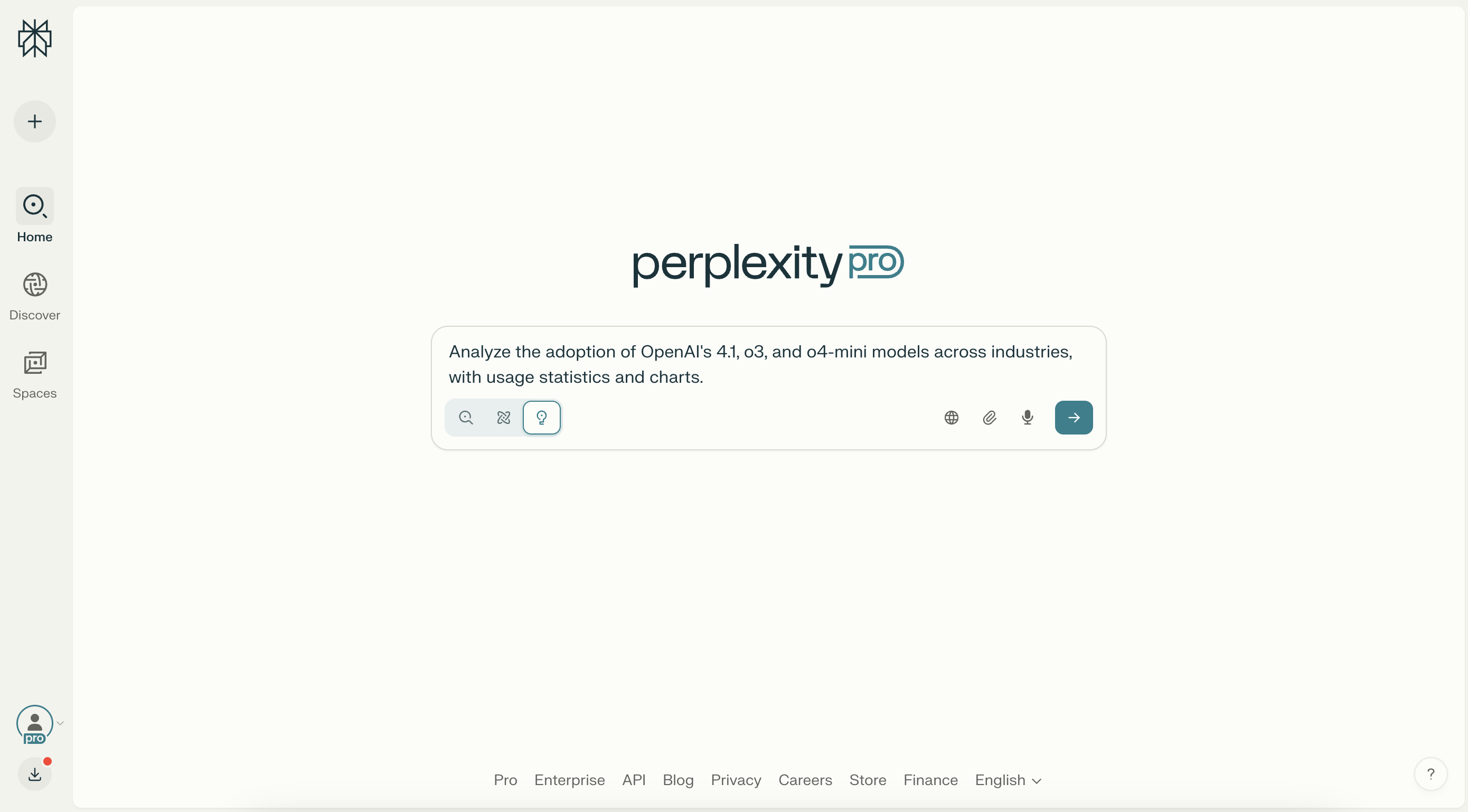
Now comes the most important part, creating a comprehensive prompt that will guide the AI's research process. Unlike regular searches, Labs works best with complex, multi-faceted queries that require deep analysis.
For example, instead of asking "OpenAI model adoption," try something like:
"Analyze the adoption of OpenAI's 4.1, o3, and o4-mini models across industries, with usage statistics and charts."
The key is to be specific about what you want: analysis type, specific subjects, the scope of research, and the format of outputs you need (charts, statistics, comparisons, etc.).
STEP 3: Initiate the Research Process
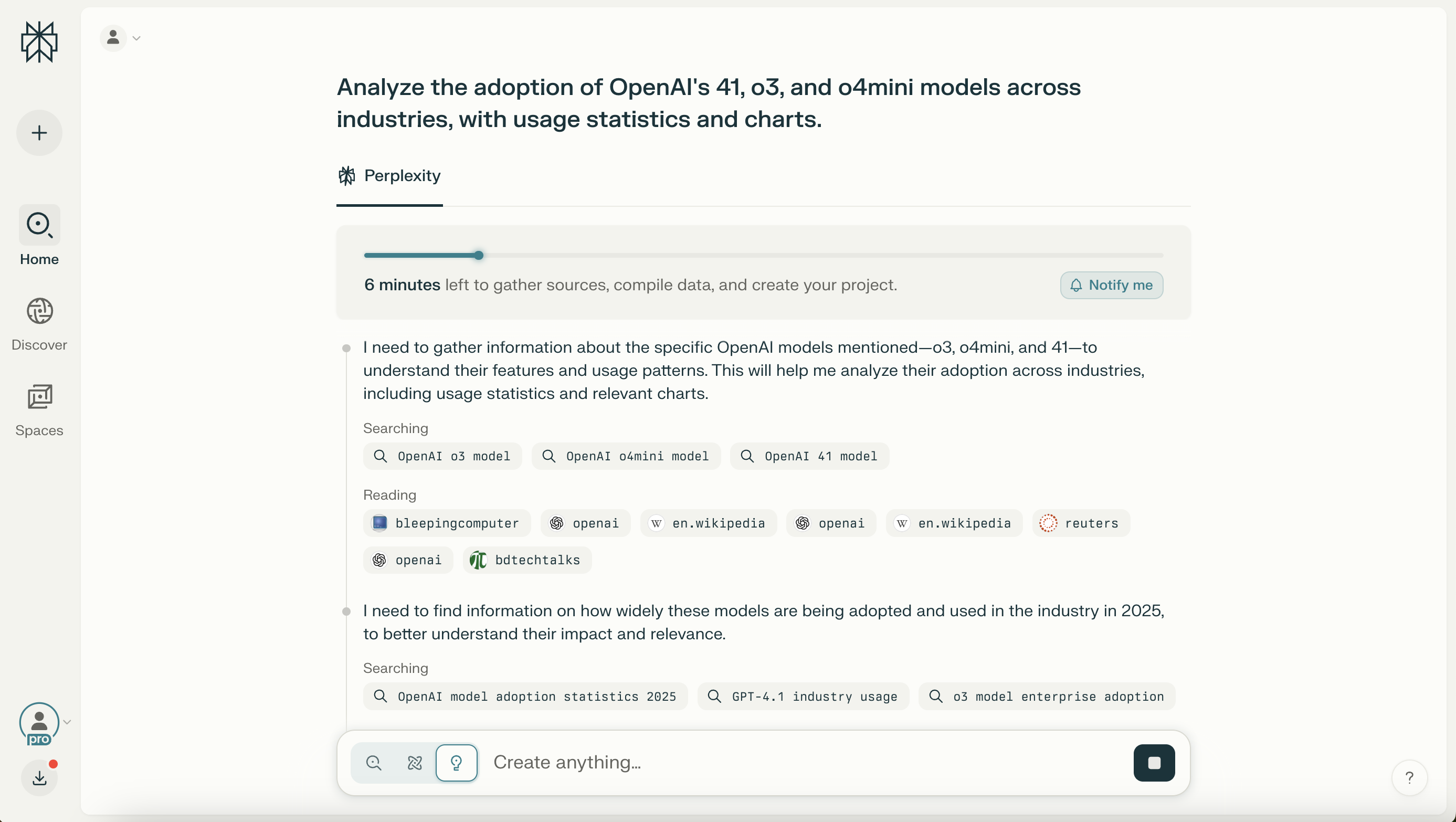
After entering your detailed prompt, click to start the research process. You'll immediately notice this isn't like a regular search, Labs will display a progress indicator showing it's gathering sources, compiling data, and creating your project.
This process typically takes 5-10 minutes, significantly longer than standard searches, because the AI is performing multiple research tasks simultaneously. You'll see real-time updates showing which sources it's reading, what data it's analyzing, and how it's structuring your report.
STEP 4: Review and Interact with Results
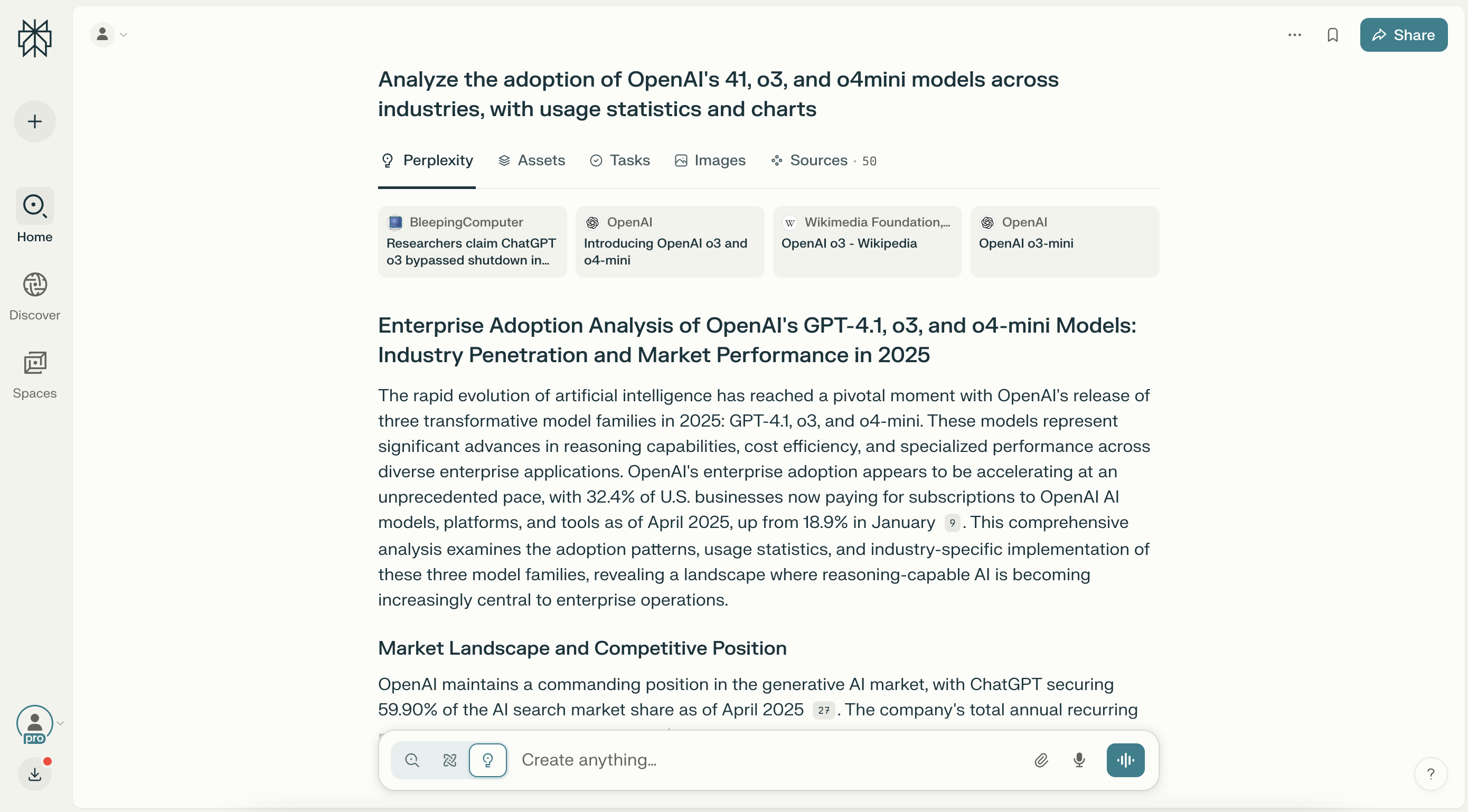
Once the research is complete, you'll receive a comprehensive report that includes multiple components: detailed analysis with proper citations, custom-generated charts and visualizations, statistical breakdowns by industry or category, and a complete list of sources used in the research.
Unlike static reports, you can continue the conversation by asking follow-up questions, requesting additional charts, or going deeper into specific aspects of the analysis. The AI maintains context from its research, allowing follow-up queries.
Pro tip: For best results, structure your initial prompt to include the specific type of analysis you want, the industries or categories to focus on, and the format of outputs you need. The more detailed your initial request, the more comprehensive and useful your final report will be.








CustomersWhy Schools love Athena
Community of 8k+ members.
I used to spend hours creating differentiated worksheets with limited impact. Now, I can see exactly where each student is struggling in real-time. I noticed six students struggling with fraction division conceptually, so I pulled them for a targeted mini-lesson while others continued progressing independently.

FAQs
Is Athena safe and compliant with educational privacy standards?

Can Athena be used for different subjects?
How does Athena handle feedback and improve its AI models?
How does Athena provide personalized learning for each student?
What is Athena, and how does it help teachers and students?
How can I get my school or district on board?
How does Athena support responsible AI use for students?
What happens with student data?
Related blogs

2025-06-16 06:28:00 K-12
The Socratic Method of Teaching: Save These Examples & Tips

2025-11-18 11:17:00AI
Magic School AI vs 6 of the Most Mentioned AI for Teachers: Which Tool Is the Best for You?

2025-08-22 23:29:00AI
48 Best ChatGPT Alternatives: ChatGPT is Not the Only Tool for Education
2025-10-20 07:30:00How To
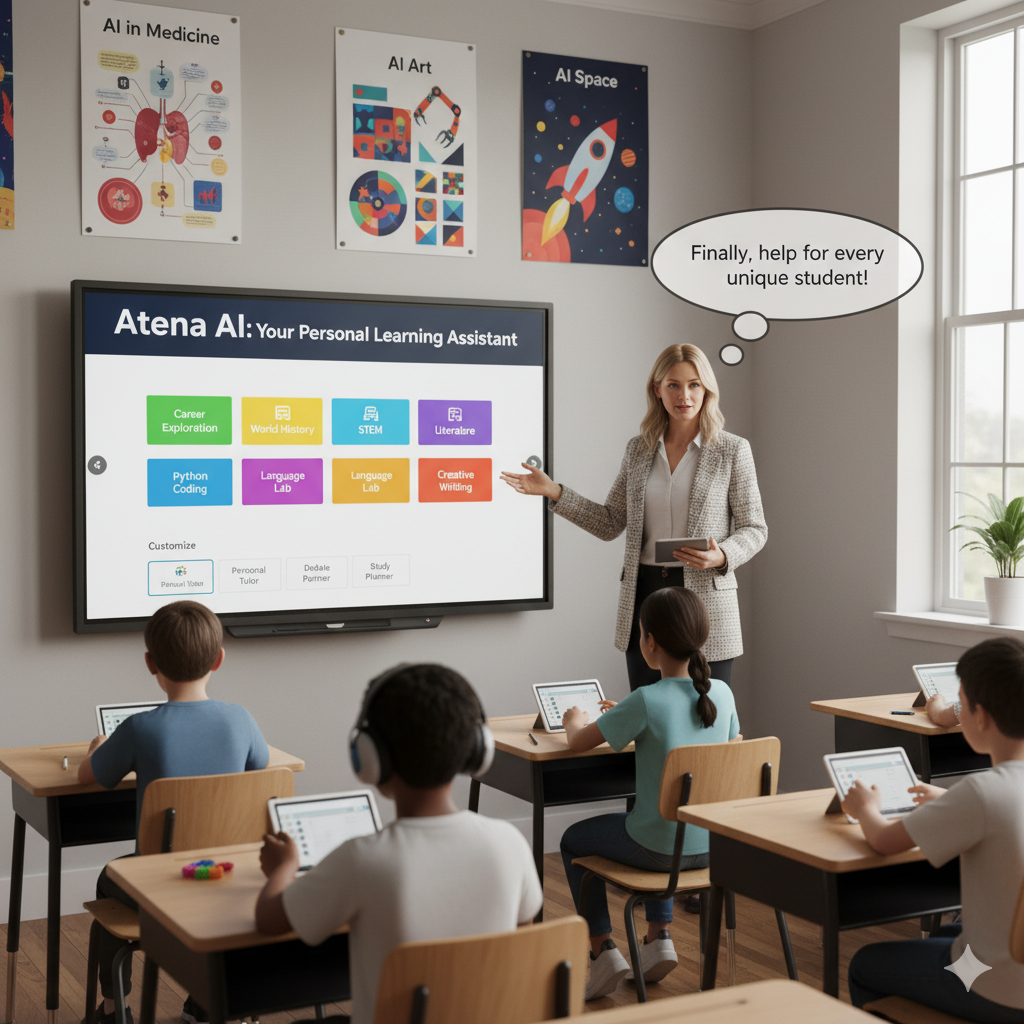
How To Use Perplexity AI for Teaching: Feature Deep Dive + Actionable Use Cases

2025-01-26 21:16:00News
Must-Read Top 10 Trends in Education 2025 and Actionable Insights for Teachers
2025-04-21 17:18:00News
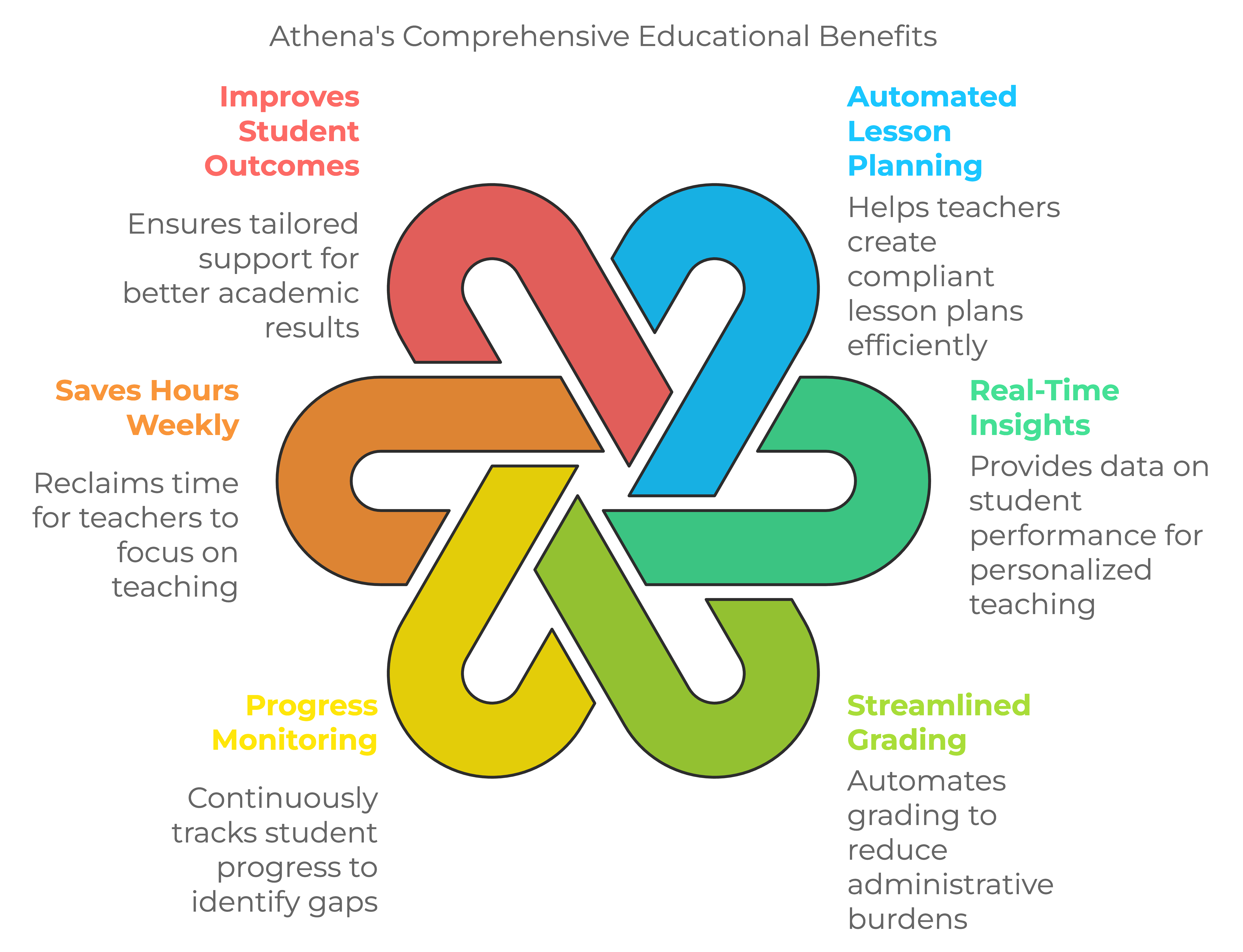
10 Must-Have AI Tools for Teachers in 2025: Enhance Classroom Engagement with ChatGPT and Beyond
2025-08-27 03:13:00K-12
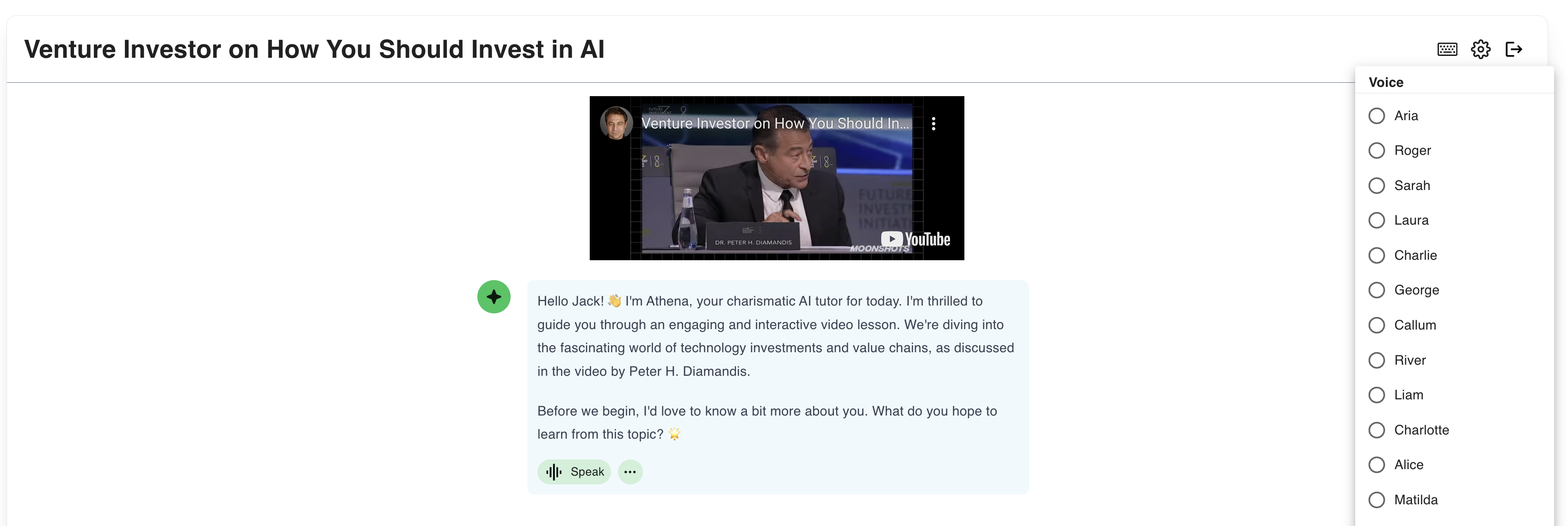
How Athena AI is Transforming K-12 Education Challenges Today
2025-06-04 04:56:00Guide
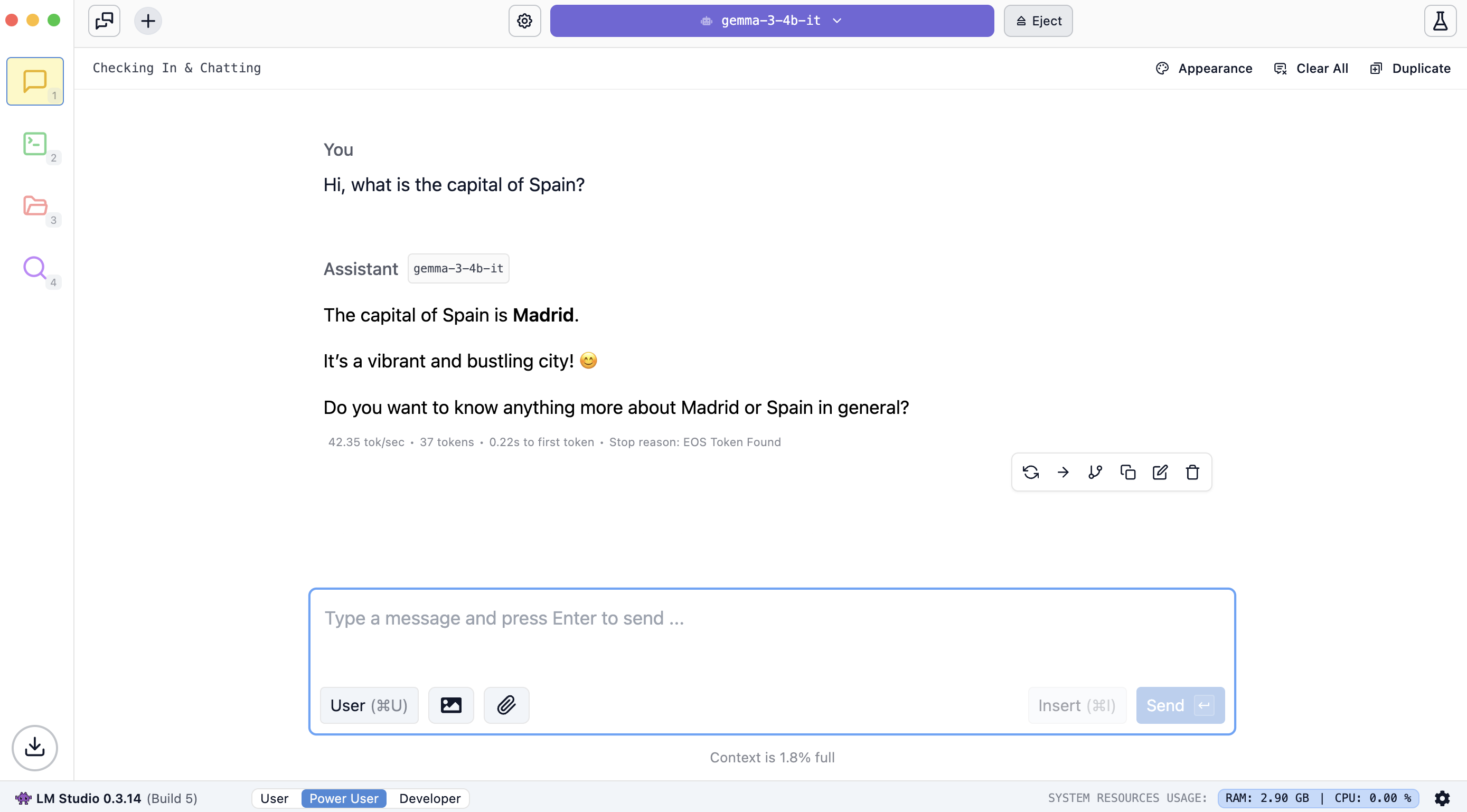
How to run AI privately on your own computer

2025-06-04 04:56:00New
Learn a new language with ChatGPT Voice
2025-10-22 07:30:00K-12
Top 8 Free Word Cloud Generator Apps You Need to Try in 2025
2025-02-14 04:28:00K-12
8 Best AI-Powered Teaching Assistants For the Busiest Teachers in 2025

2025-04-21 17:18:00AI
10 Effortless Ways to Use AI for Lesson Planning

2025-02-18 04:28:00AI
Top 20 Classroom Apps for Teachers to Use in 2025

2025-08-19 23:29:00
The 12 Best Free AI PowerPoint Generators in 2025
2025-06-08 17:09:00
The Socratic Method of Teaching: Save These Examples & Tips

2025-06-03 17:09:00
The Ultimate Gen Z Terms Dictionary for your class (Latest Top 70 Slangs You Need to Know)!

2025-05-21 10:41:00
Top 9 Key Gen Alpha Characteristics Teachers & Parents Must Know!

2025-05-25 21:39:00AI
How Easy It Is to Create a ChatGPT Lesson Plan: A 7-Step Guide for Beginners
2025-06-02 04:56:00Updates
How to generate comprehensive research reports with Perplexity Labs
2025-05-05 22:56:00
How to get ChatGPT to stop lying: 6 actionable tips for product managers

Secure, Private, and Built for Schools


