


All blogs
30+ Best Google Extensions for Teachers: Save Time, Teach Smarter
Share


 Copied

AI in education

4min read

November 15, 2025
In today’s tech-savvy classrooms, teachers juggle dozens of tasks—lesson planning, grading, engagement, admin, you name it. Chrome extensions can be the game-changer you didn’t know you needed.
These mini tools live right inside your browser, making it easier to plan lessons, manage students, give feedback, and stay organized without switching apps or downloading bulky software.
They’re lightweight, intuitive, and built to work seamlessly with your everyday tools. From simplifying routines to boosting creativity and student engagement, the right extensions can save you time and make teaching a little less hectic.
In this guide, we’ll walk you through the must-have Google extensions for teachers and help you pick the right tools depending on your need:
- For Lesson Planning & Teaching Materials
- For Student Engagement & Interactivity
- For Accessibility & Readability
- For Grading & Feedback
- For Classroom Management & Productivity
- AI-Powered Tools That Make Teaching Smarter
Why Google Extensions Help Teachers
Chrome extensions help teachers in all kinds of ways—from staying organized to delivering more engaging lessons. They work seamlessly with Google Classroom, Slides, and Docs, making them a perfect fit for today’s blended or digital-first learning environments. Here are more ways they support teachers in and out of the classroom:
- Automate everyday tasks
- Stay organized and focused
- Enhance student engagement
- Support accessibility and differentiation
- Streamline classroom management and communication
Continue reading to find out which tools help with these tasks, and how to make the most of them in your teaching.
How to Download and Use Google Extensions
Google Chrome extensions can be downloaded from the tools website, or the Chrome store. Below we walk you through getting access from the Chrome Web Store.
- In Google Chrome, head to the Chrome Web Store
- Search for the extension name
- Click Add to Chrome
- Pin the extension from the puzzle icon next to the address bar
- Manage or remove via: Settings > Extensions
Tip: Don’t overload your browser—keep only the ones you use regularly.For Lesson Planning & Teaching Materials
1. Google Keep
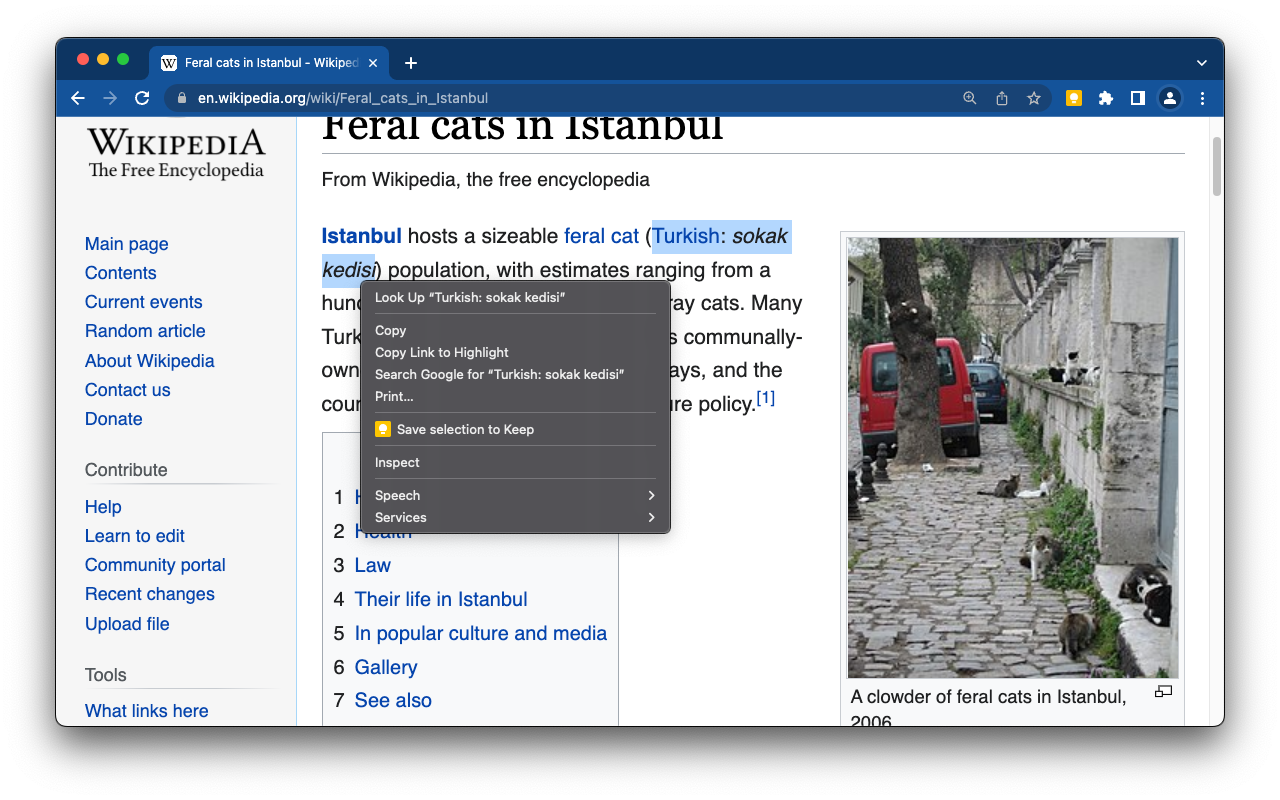
A lightweight note-taking tool that lets teachers quickly save ideas, links, and reminders—then access them across any device. The Chrome extension makes it easy to save text or images from any webpage into your Keep notes.
- Key features: One-click saving, labels, and color coding, cross-device sync, integration with Google Docs and Slides
- Price: Free
2. Web Paint Tool
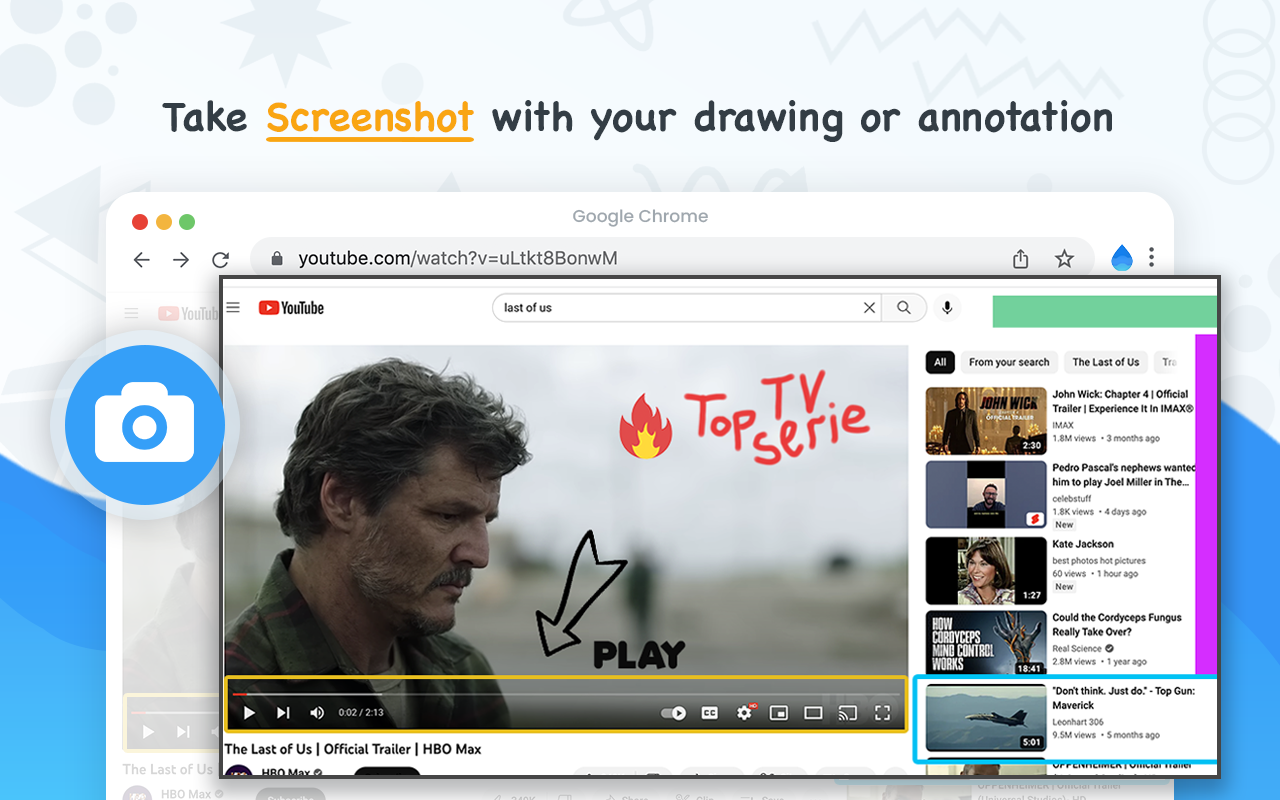
A drawing and annotation tool that lets you mark up any webpage in real time—great for highlighting key content, giving visual explanations, or capturing annotated screenshots.
- Key features: Freehand drawing, shapes, text boxes, color picker, screenshot capture, undo/redo tools
- Price: Free
3. Todoist
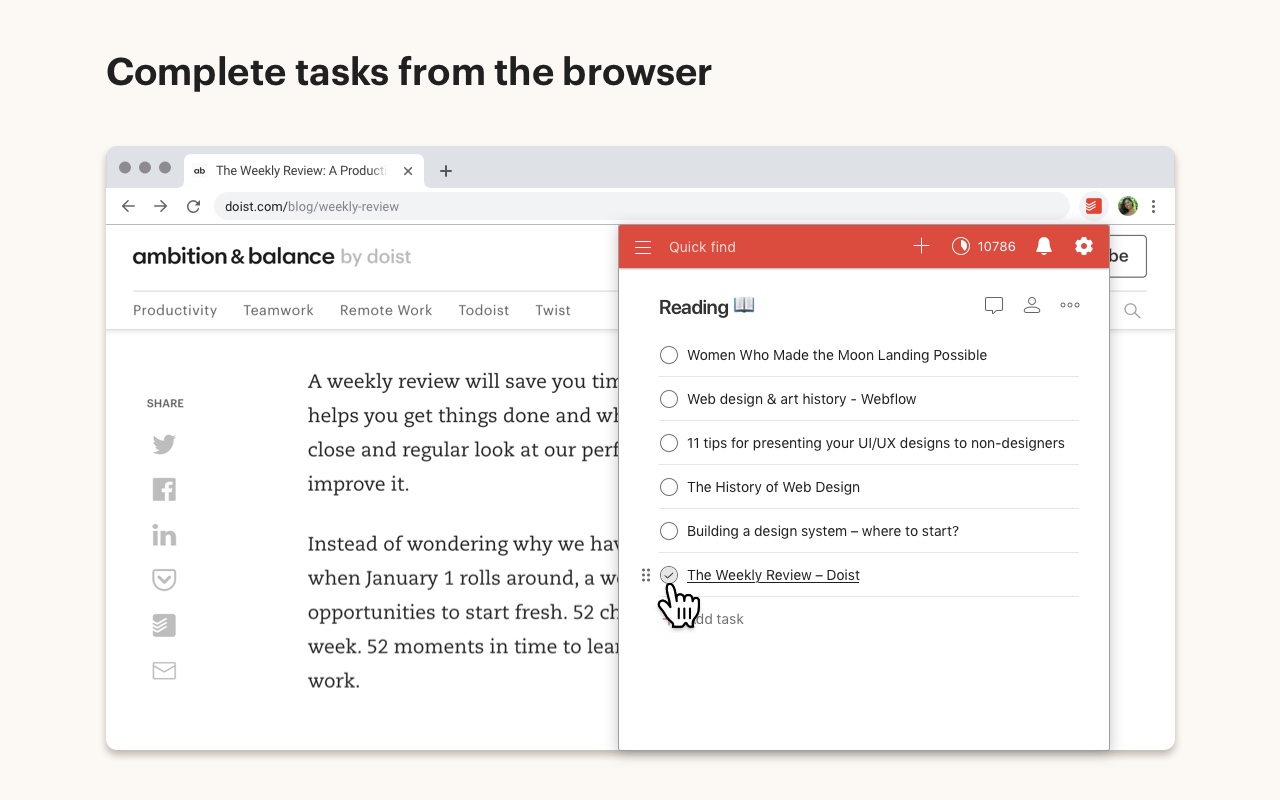
A simple but powerful task manager that helps teachers stay on top of lesson planning, deadlines, and daily to-dos. With the Chrome extension, you can add any webpage as a task, manage your lists in a sidebar view, and organize everything by project or priority.
- Key features: Task and project management, Quick Add, browser integration, reminders, collaboration tools
- Price: Free with premium plan available for advanced features
4. SmallPDF
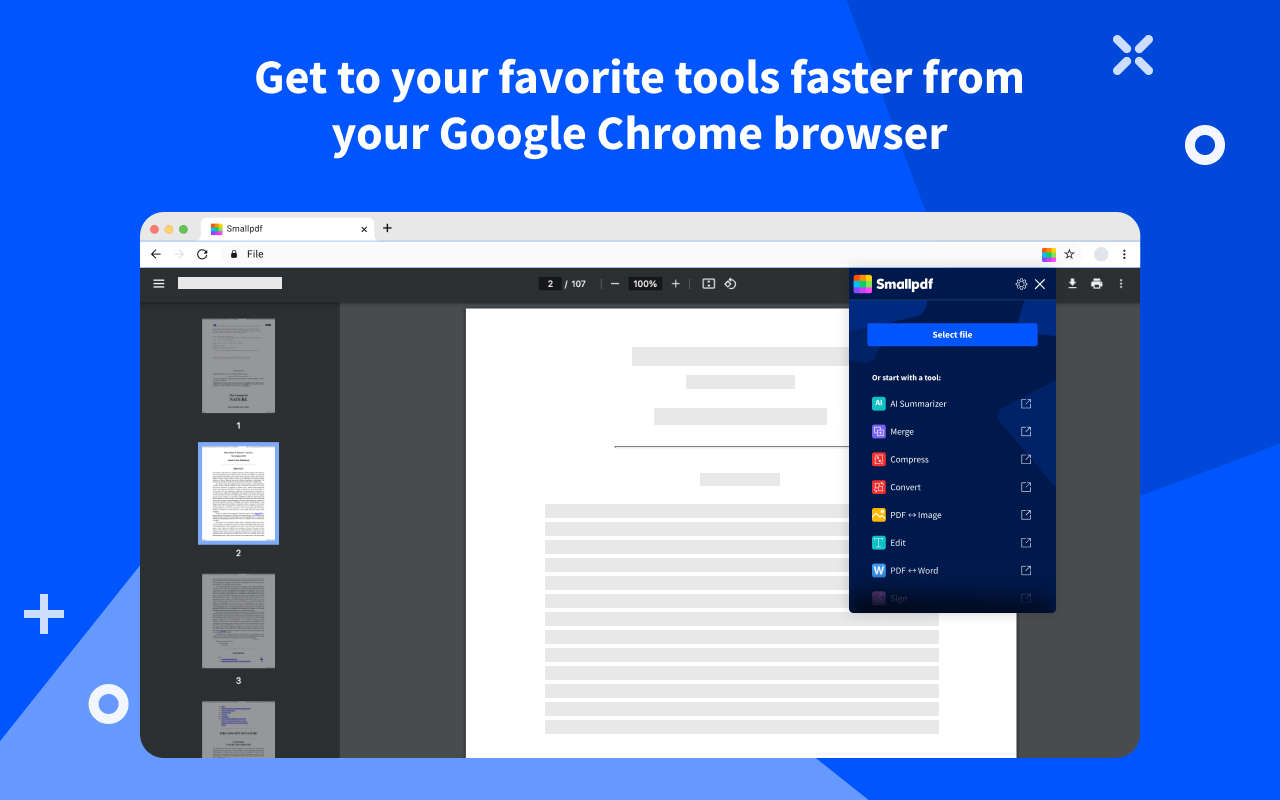
A flexible PDF toolkit that lets teachers convert, compress, merge, or edit PDFs right from the browser. Whether you’re prepping worksheets, combining student submissions, or signing forms, SmallPDF simplifies it all.
- Key features: PDF to Word/PPT conversion, file compression, merge/split tools, e-signature support
- Price: Free basic access; premium available for full features
5. Super Simple Highlighter
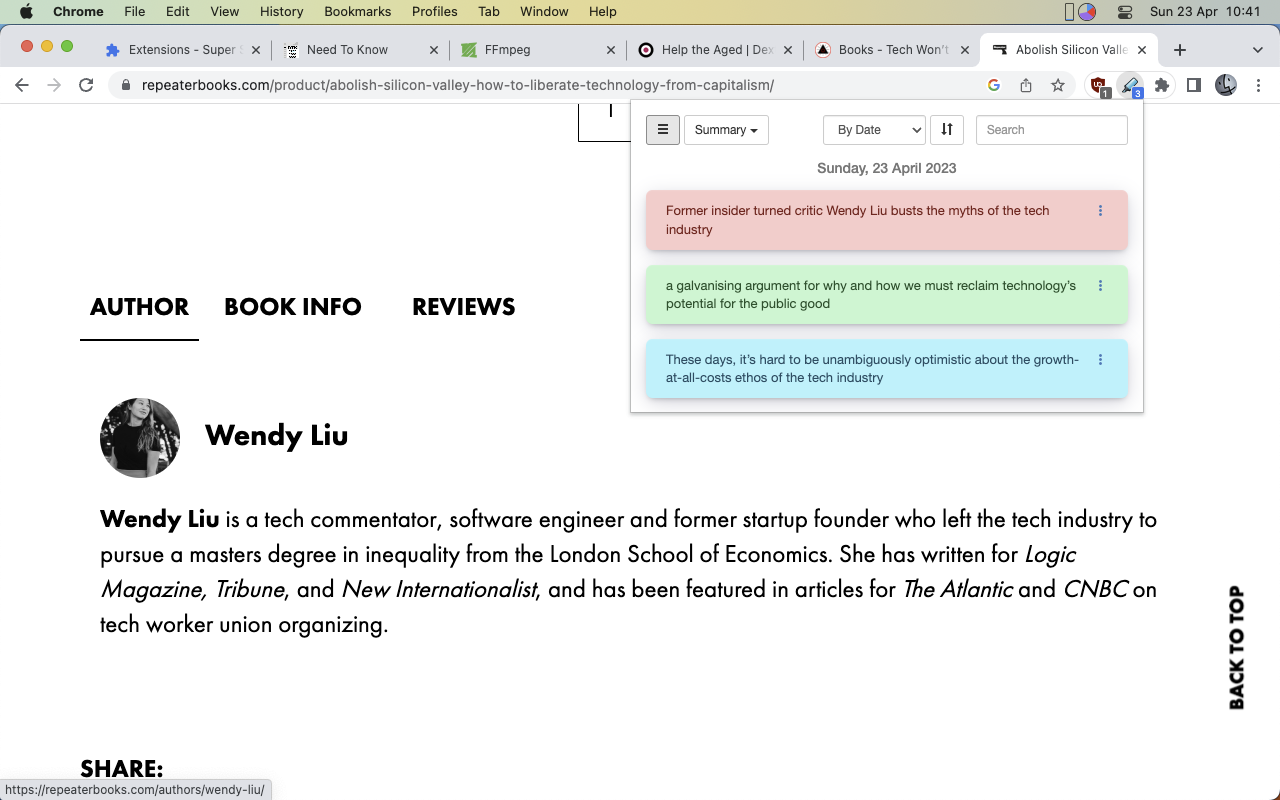
A straightforward tool that lets you highlight and annotate text on any webpage—great for prepping lessons, marking key points, or tracking reading during research.
- Key features: Multiple highlight colors, redaction/blurring, popup navigation, printable summaries
- Price: Free
- Note: Highlights are saved locally and won’t sync across devices
6. Wakelet
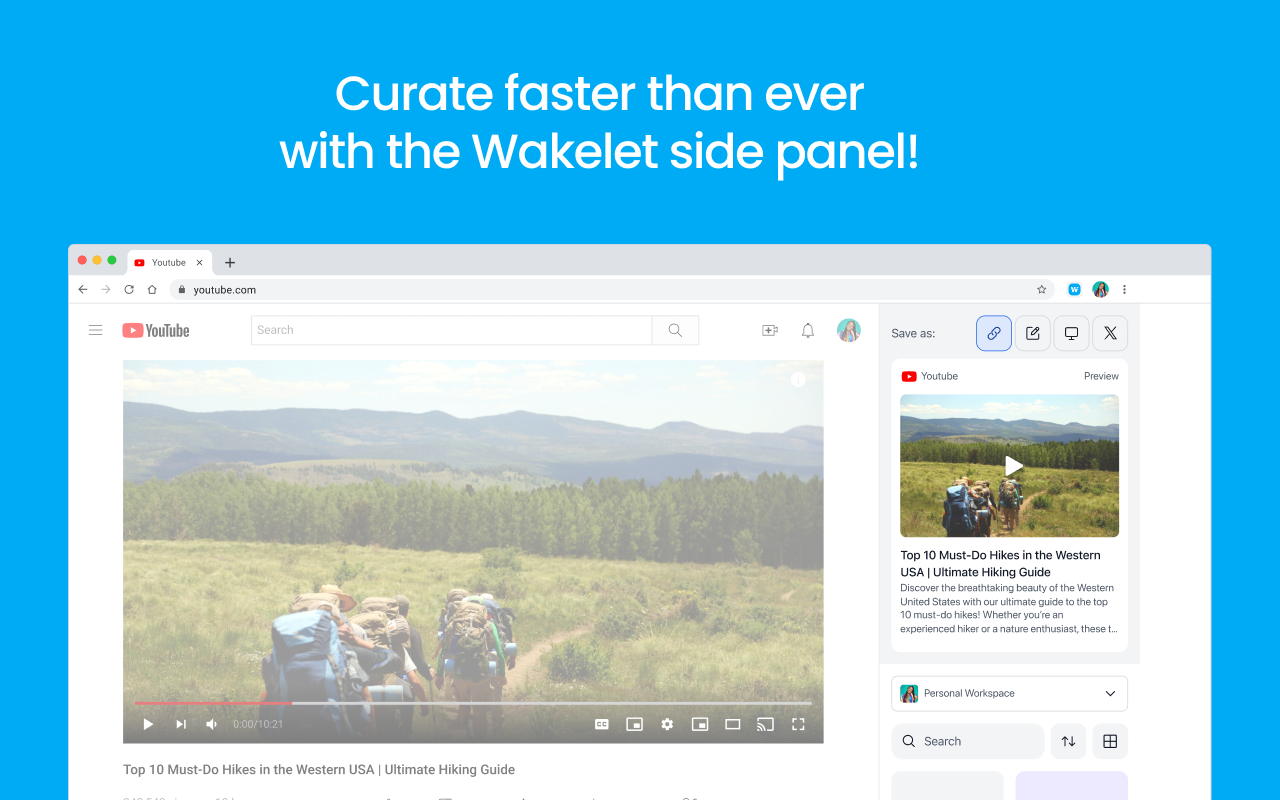
A content curation tool that lets teachers save, organize, and share web resources without leaving the page. With just a click, you can bookmark articles, social posts, videos, or text snippets into organized collections for lessons or personal planning.
- Key features: Save from any site, organize into collections, side panel access, editable titles and notes
- Price: Free
If you're looking for a more comprehensive, web-based alternative, consider using Edcafe AI's lesson plan generator. Get started with Edcafe AI for free
Start creating teaching content in seconds with Edcafe AI. Sign up for a forever free account today.
For Student Engagement & Interactivity
7. Edpuzzle
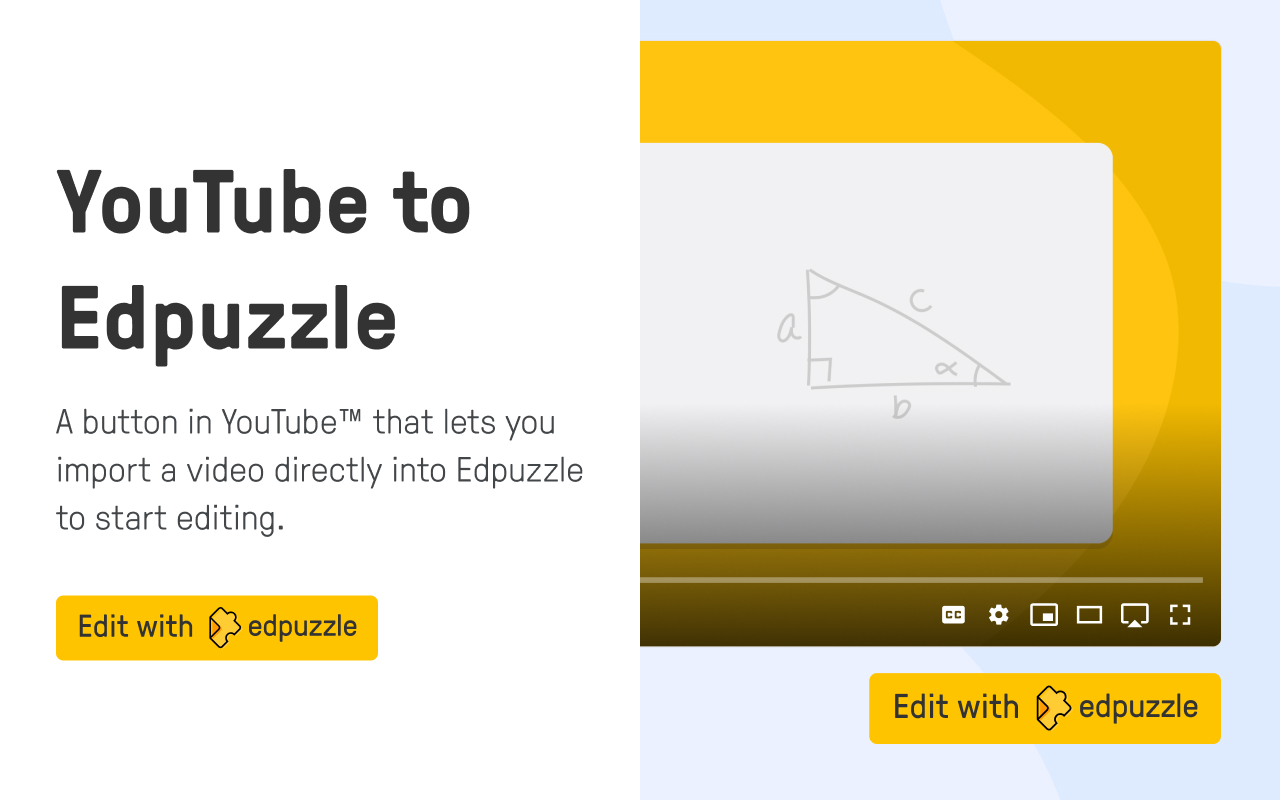
Transforms any video into an interactive lesson by letting teachers embed questions, notes, or voiceovers directly into the content. The Chrome extension adds a shortcut under YouTube videos for one-click importing and lesson creation.
- Key features: Video editing, interactive questions, screen recording, LMS integration
- Price: Free with optional premium features
Tip: Try out Edcafe AI’s YouTube Quiz feature to get a quick quiz based on any YouTube video. Share directly with students to get their results. 8. Loom
A simple screen recorder that lets you capture your screen, voice, and webcam—perfect for creating explainer videos, instructions, or personalized feedback. Recordings are saved instantly with a shareable link, and you can trim or comment without leaving your browser.
- Key features: Screen and camera recording, instant link sharing, video trimming, viewer reactions
- Price: Free for educators; premium plans available with advanced features
9. Bitmoji
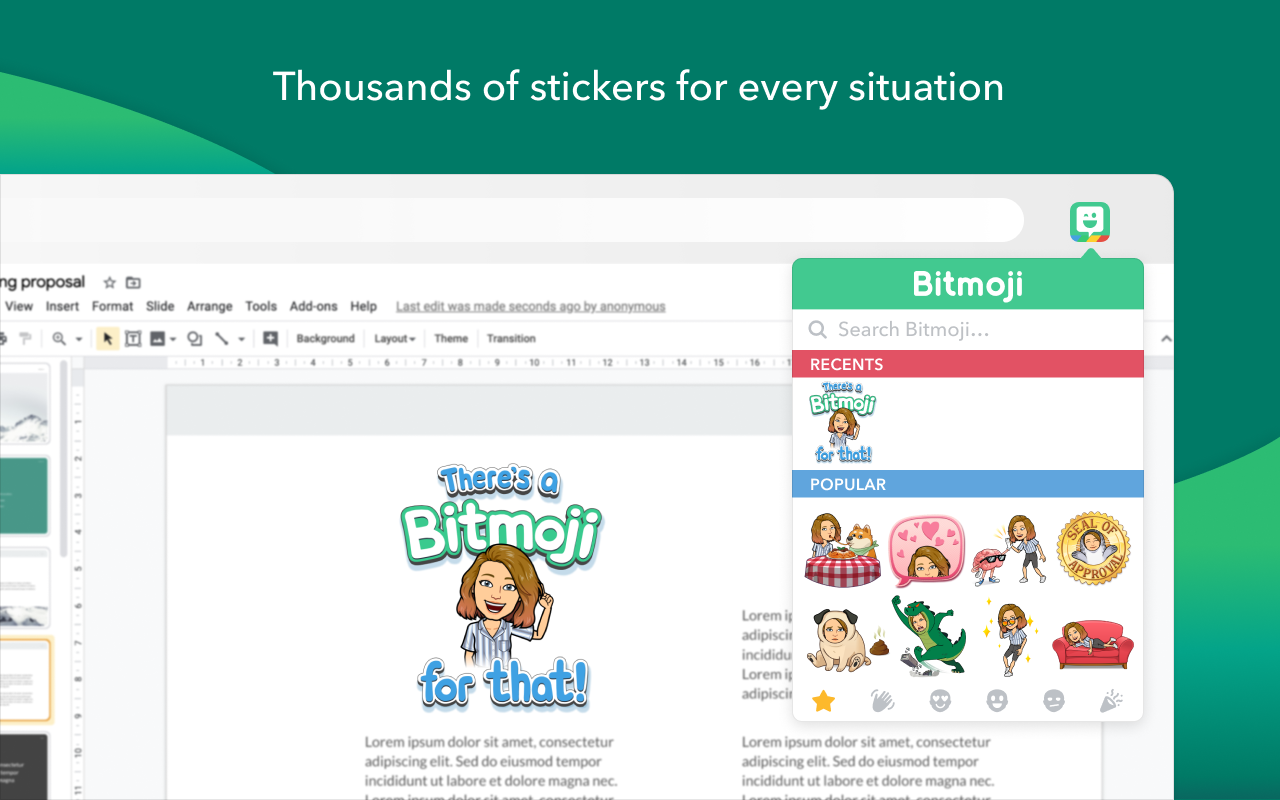
Let teachers insert fun, personalized avatars into slides, emails, and classroom materials—adding a relatable, visual touch students love. Just log in with your Bitmoji account and drag, drop, or copy stickers directly from your toolbar.
- Key features: Custom avatar stickers, drag-and-drop or copy/paste, cross-platform use
- Price: Free
- Note: Requires Bitmoji or Snapchat app to
10. Emoji Keyboard
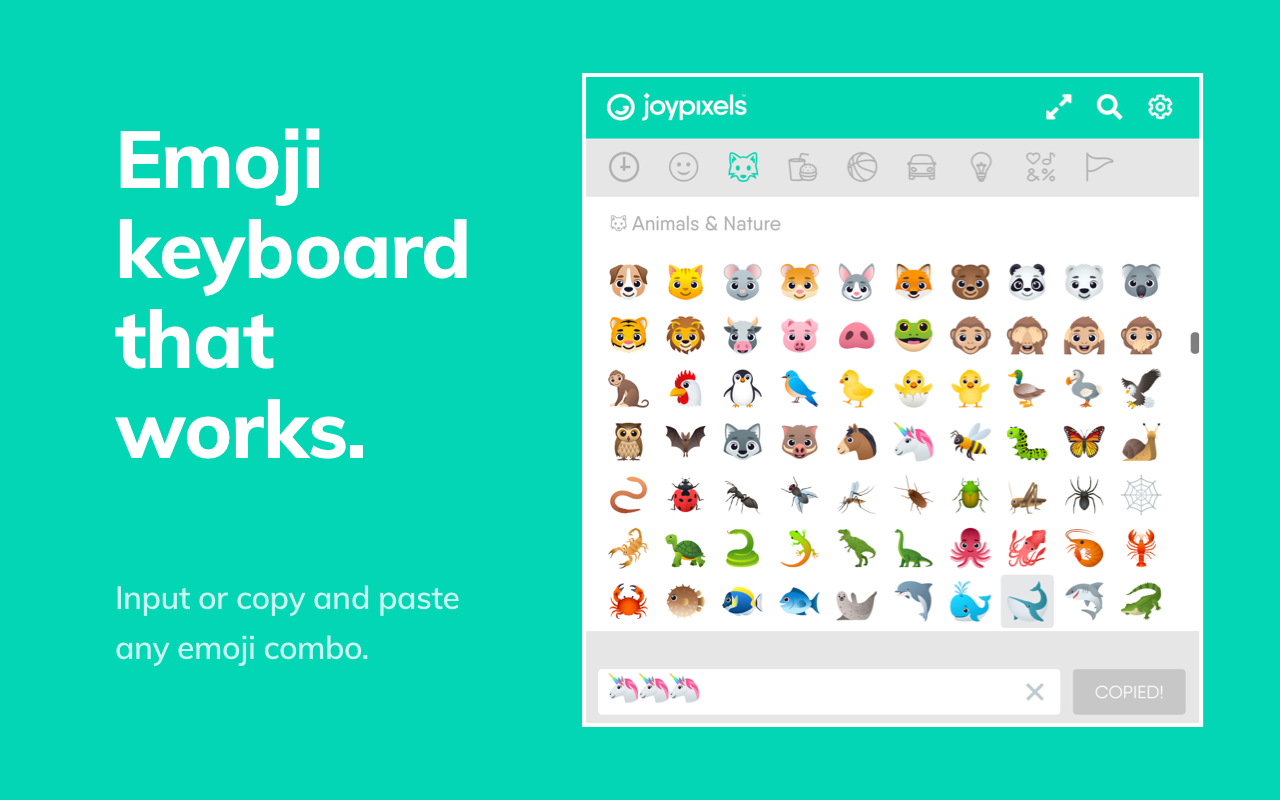
A handy tool for quickly inserting emojis into emails, assignments, or classroom materials—especially useful on older devices that don’t have built-in emoji keyboards. Just click the extension, search for an emoji, and paste it anywhere you’re typing.
- Key features: Emoji search, clipboard copy, wide emoji library, compatible with most sites
- Price: Free
11. GIPHY
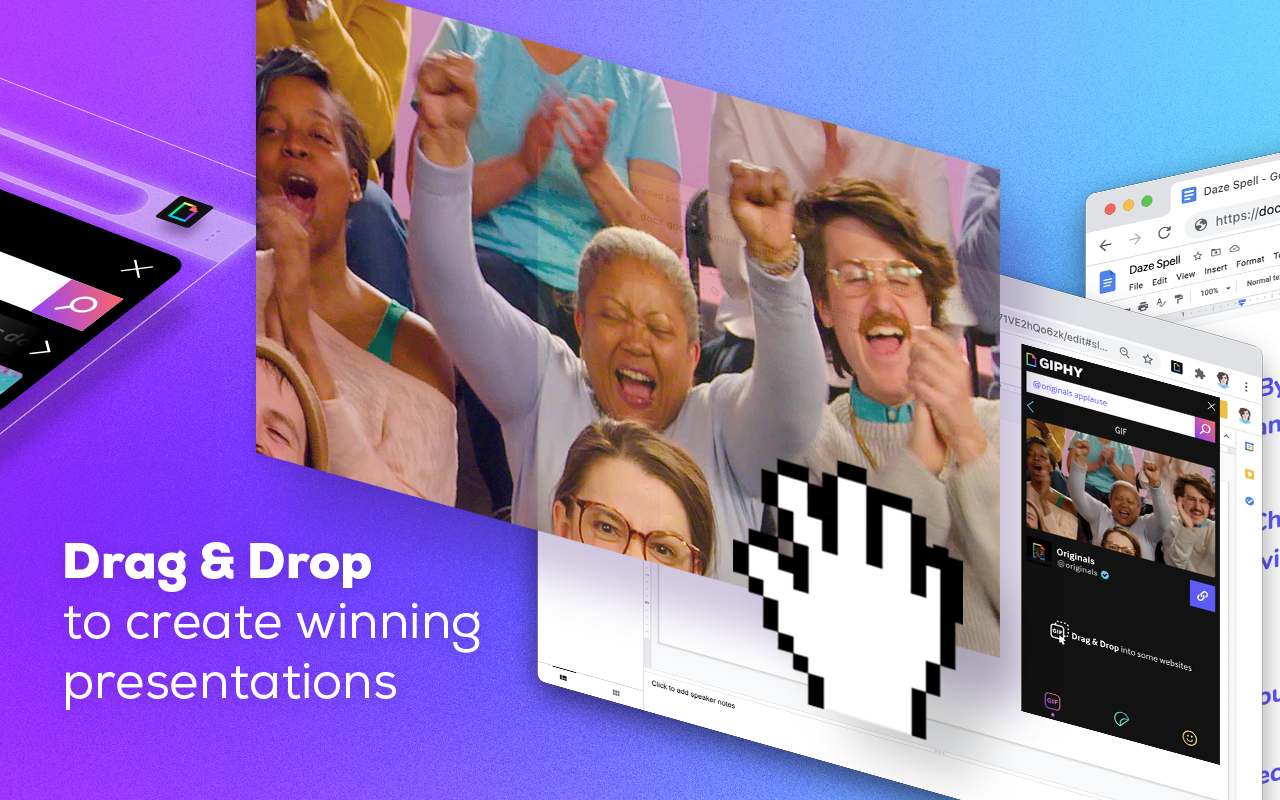
Lets you search and insert animated GIFs directly from your browser—great for adding a bit of humor, emotion, or visual flair to slides, emails, or digital classroom materials.
- Key features: GIF search, trending GIFs, drag-and-drop functionality, Gmail integration
- Price: Free
12. Add to Google Classroom
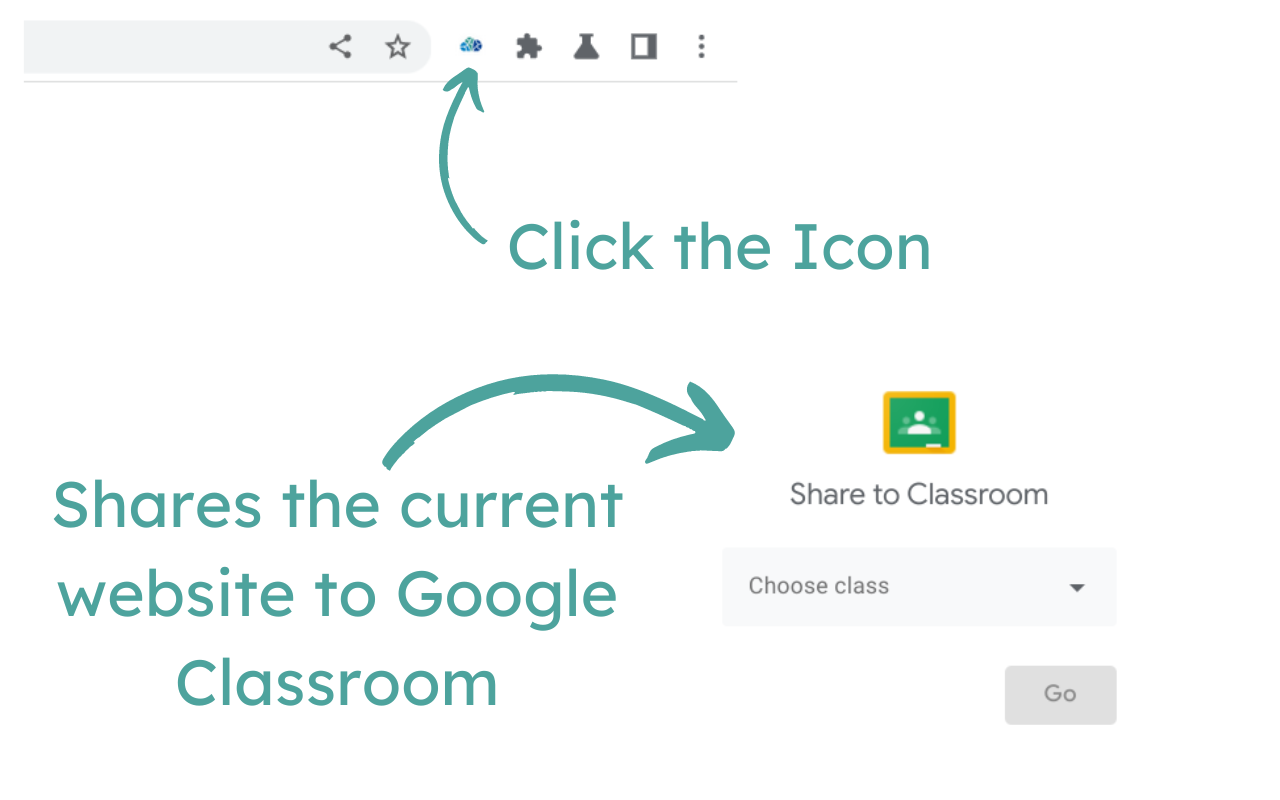
Streamlines the process of sharing web content with students via Google Classroom. Teachers can push pages to student devices, create assignments, ask questions, or post announcements—without ever leaving the page they’re on.
- Key features: One-click link sharing, assignment creation, announcements, Google Classroom integration
- Price: Free
For Accessibility & Readability
13. Read Aloud
A simple text-to-speech tool that reads selected text from websites aloud—helpful for students with reading difficulties or those who benefit from auditory learning. Users can customize voice, speed, and highlighting preferences for a more comfortable experience.
- Key features: Text selection reading, customizable voice settings, works on most websites
- Price: Free
- Note: Does not support reading directly from Google Docs
14. Crafty Level
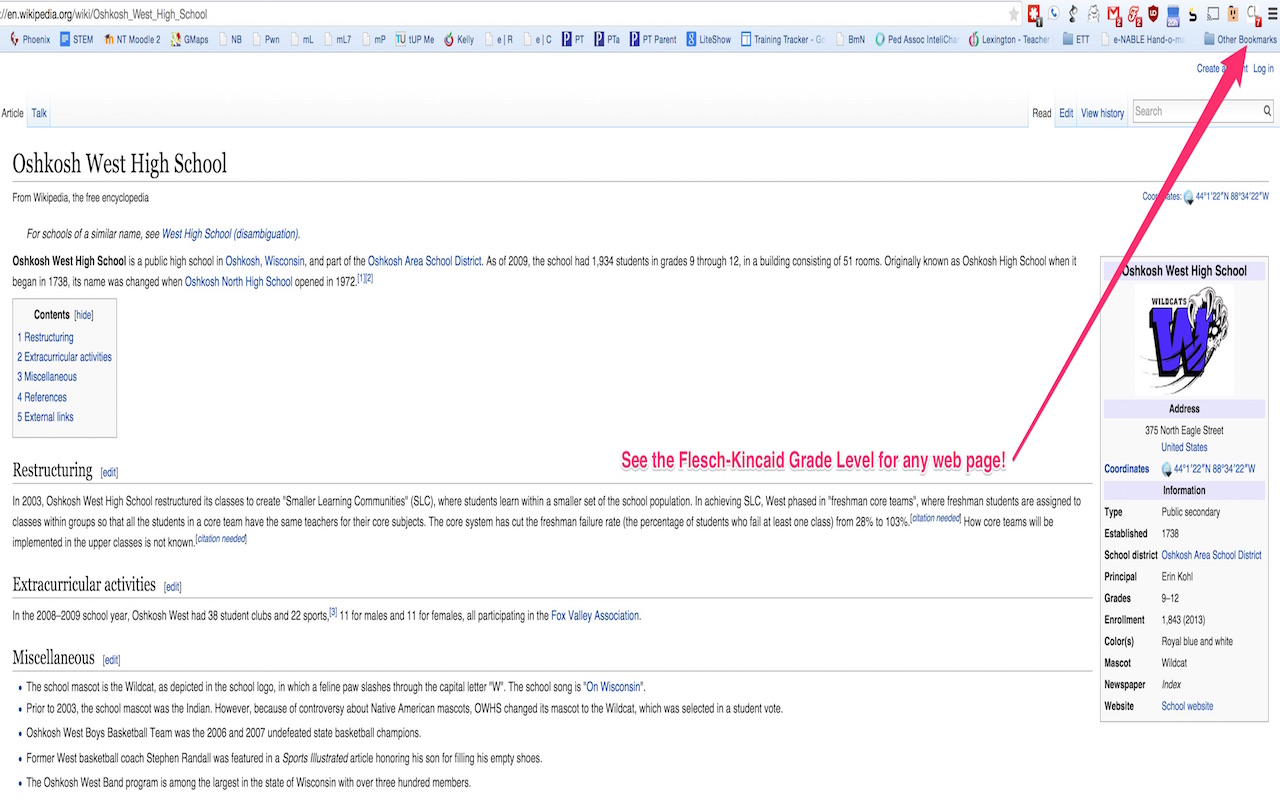
Checks the Flesch-Kincaid reading level of any text on a webpage—so you can quickly see if online content is age-appropriate for your students. Just highlight the text and click the icon to get an instant grade-level score.
- Key features: Flesch-Kincaid readability analysis, one-click results, works on any website
- Price: Free
Tip: Use AI tools, like Edcafe AI to adjust the passage to fit your students needs! 15. Equatio
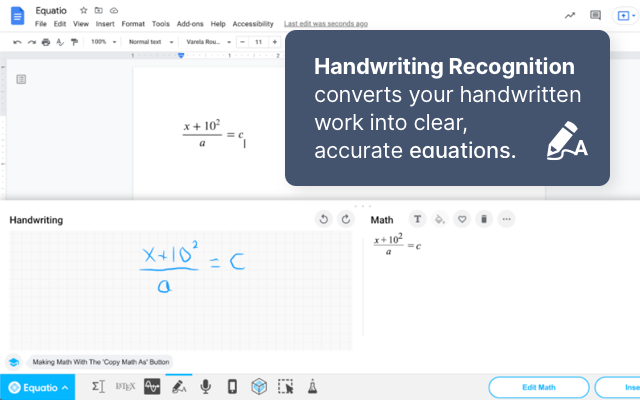
Helps teachers and students create digital math and science content without needing to code equations. You can type, handwrite, or speak math directly into Docs, Slides, Forms, and more—making STEM accessible and classroom-friendly.
- Key features: Equation editor, handwriting and speech input, LaTeX support, STEM tools like periodic table and molecular viewer, screen reader compatibility
- Price: Free basic plan; premium unlocks full Google Suite integration
16. Nightshift
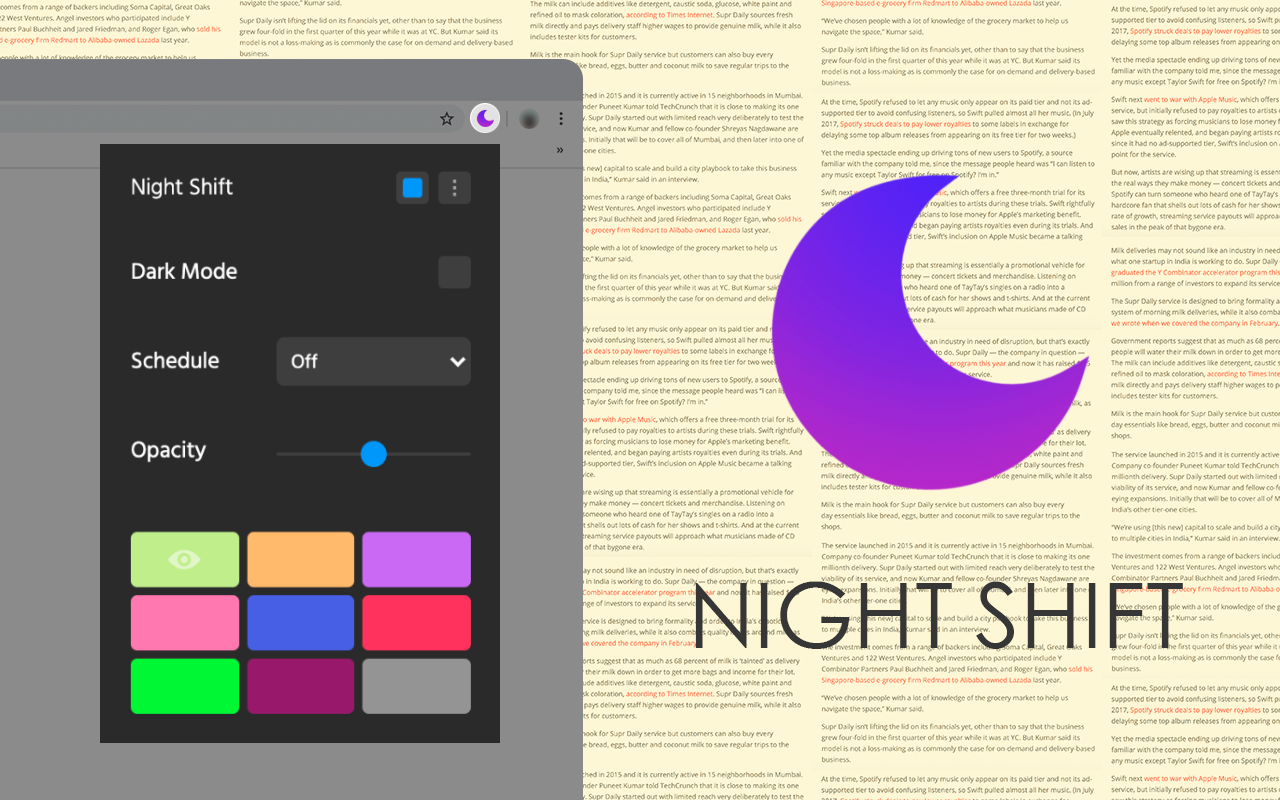
Reduces blue light by shifting your screen’s color temperature to warmer tones—helping ease eye strain and support better sleep during evening hours. Unlike standard dark modes that just invert colors, Night Shift adjusts the entire color spectrum for a gentler viewing experience.
- Key features: Blue light reduction, customizable warmth settings, full-screen color adjustment
- Price: Free
For Grading & Feedback
17. Grammarly
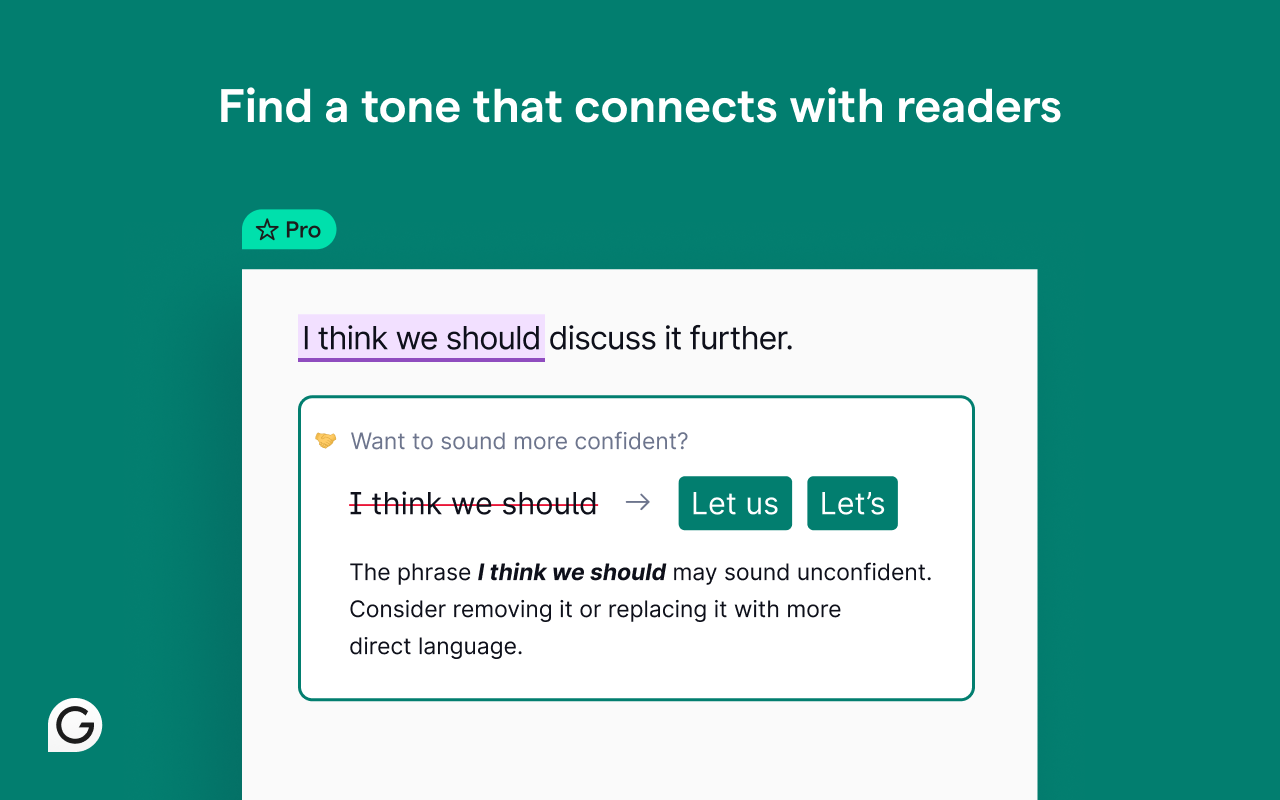
A real-time writing assistant that checks grammar, spelling, and clarity as you type across the web. It’s helpful for writing student feedback, parent emails, or lesson instructions with more polish and fewer errors.
- Key features: Grammar and spell check, clarity and tone suggestions, goal setting, browser-wide integration
- Price: Free with premium plan for advanced features
18. Mote
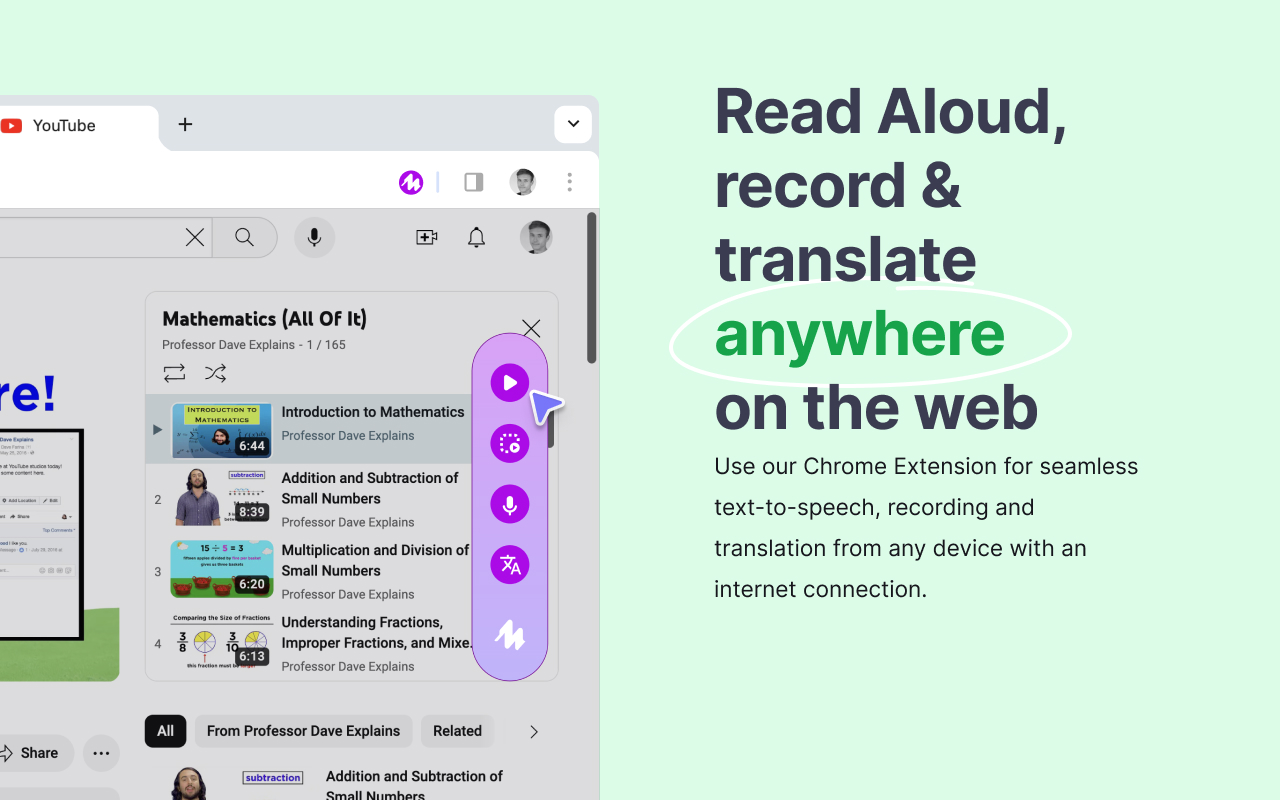
Let teachers leave voice comments directly in Google Docs, Slides, Forms, and Classroom—making feedback faster, more personal, and accessible. Voice notes can be transcribed, translated, or reused, supporting diverse learners, non-English speakers, and communication styles.
- Key features: Voice comments, transcription in 20+ languages, Google Workspace integration, STEM mode, Motebook for reusable clips
- Price: Free with premium options available
19. Text Blaze
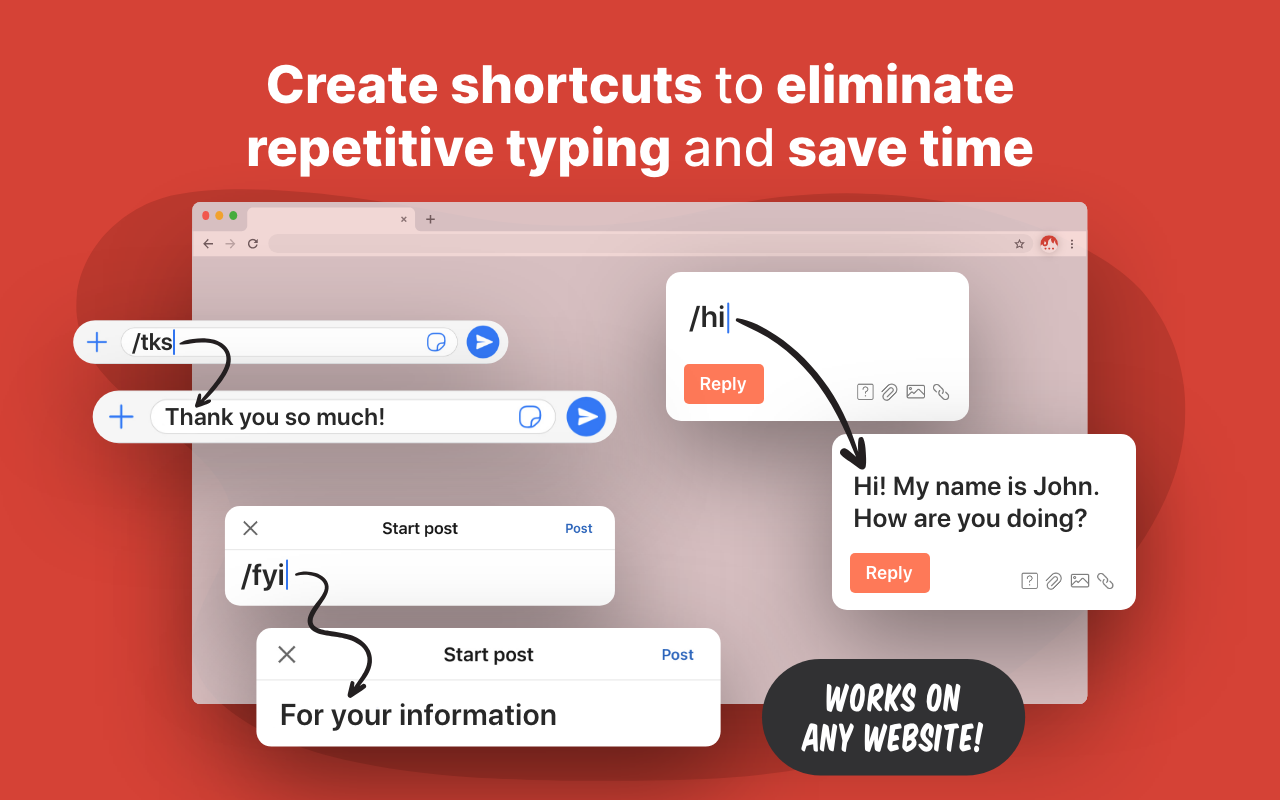
A time-saving tool that lets teachers insert pre-written snippets and templates anywhere using keyboard shortcuts. Great for feedback comments, lesson objectives, email replies, or rubrics—without typing them over and over.
- Key features: Snippet shortcuts, dynamic fields, formulas, team sharing, works across websites
- Price: Free with paid plans for advanced features
20. Right Inbox
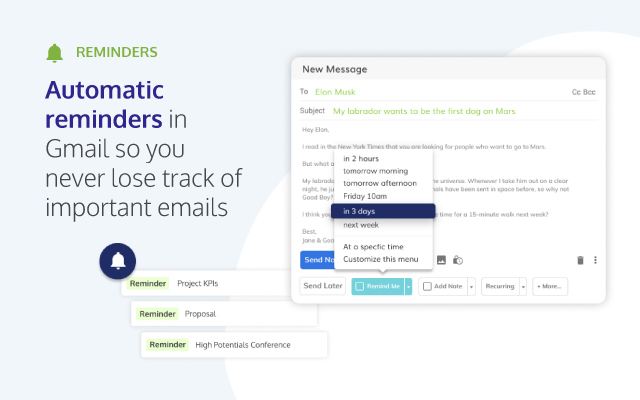
A Gmail-enhancing extension that adds powerful tools for teachers who manage parent communication, student follow-ups, or recurring announcements. It lets you schedule emails, track opens, set reminders, and reuse templates—directly inside Gmail.
- Key features: Email scheduling, tracking, reminders, templates, recurring emails, private notes
- Price: Free basic plan; premium options available
21. Grade Transferer

Streamlines the process of moving grades between platforms—saving teachers from hours of manual data entry. With a few clicks, it pulls scores from tools like Google Classroom and pastes them directly into grade books.
- Key features: Cross-platform grade syncing, score scaling, name matching, privacy-first (data stays on your device)
- Price: Free basic features; premium plan available for full access
22. Kami
An interactive PDF and document annotation tool that turns static files into collaborative learning spaces. Teachers and students can highlight, comment, draw, and even leave voice notes—all in real-time.
- Key features: Annotation tools, voice comments, text-to-speech, Google Classroom integration, real-time collaboration
- Price: Free for teachers; premium plans available for additional features
For Classroom Management & Productivity
23. Workona
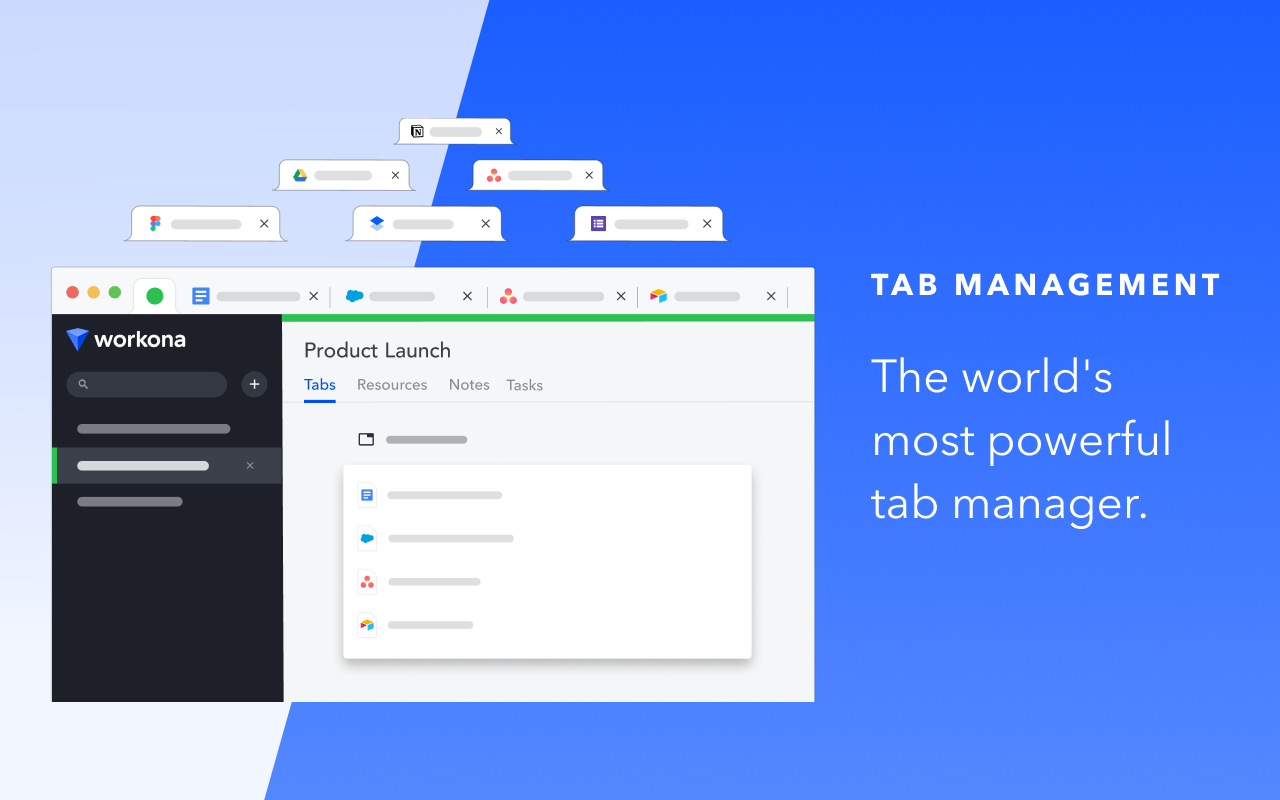
A powerful tab and workspace manager that helps teachers organize their browser by subject, project, or class. It saves your tabs, files, and tasks in one place so you can easily switch contexts without losing focus.
- Key features: Workspaces, tab grouping, cloud integration, tab suspension, built-in task manager
- Price: Free with premium plans available
24. Extensity
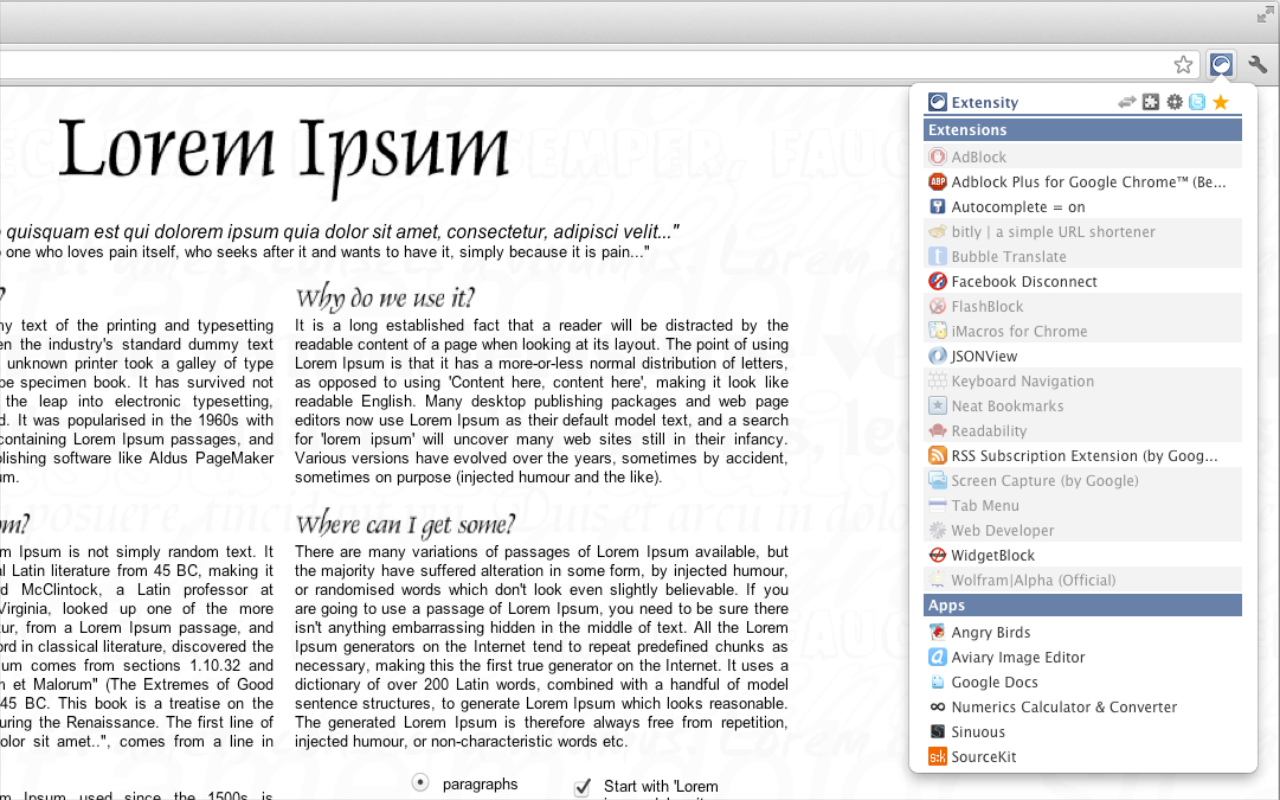
A lightweight extension manager that lets you quickly enable or disable other extensions to keep your browser fast and clutter-free. It’s especially helpful for teachers who use many tools but don’t need them all running at once.
- Key features: One-click toggling, custom extension profiles, toolbar cleanup, memory optimization
- Price: Free
25. Scribe
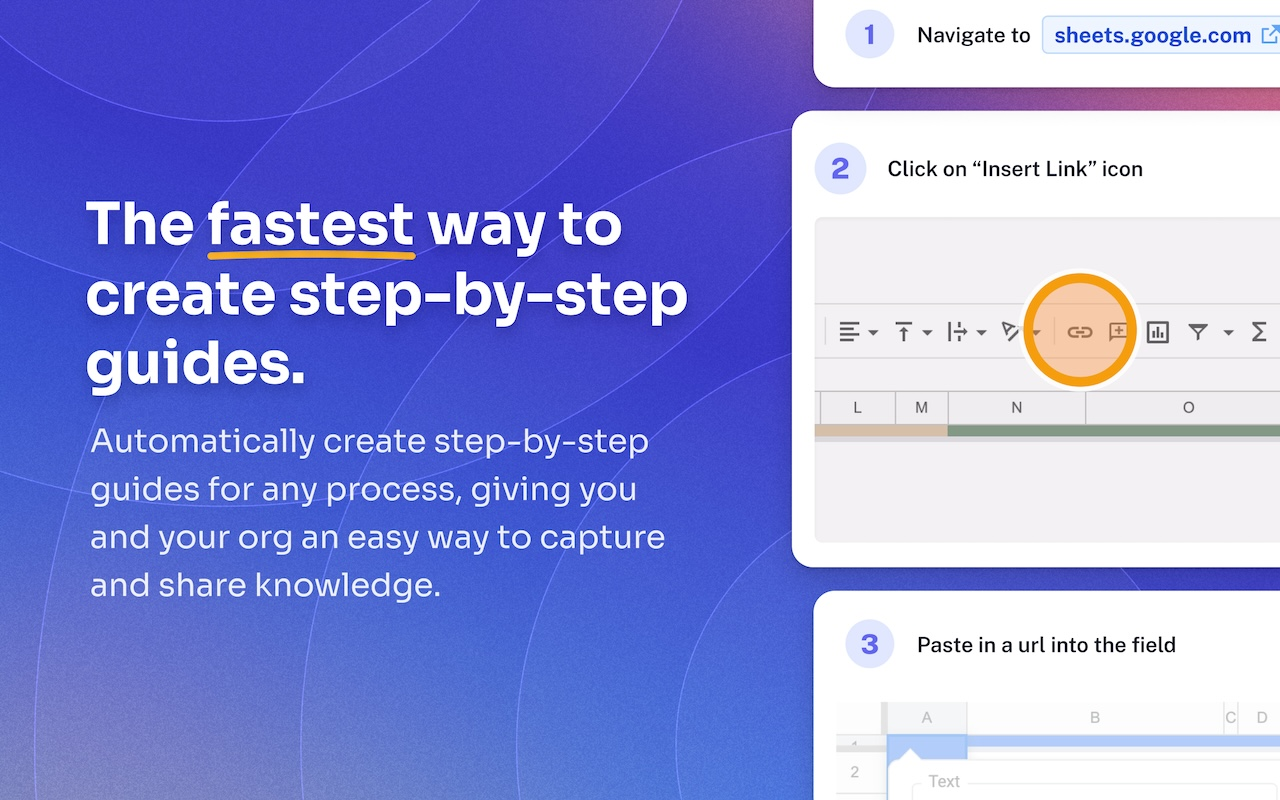
Automatically creates step-by-step guides by recording your on-screen actions—ideal for tutorials, process walkthroughs, or tech instructions. Just hit record, complete your task, and Scribe turns it into a visual guide with screenshots and captions.
- Key features: Auto-generated guides, screenshots, step descriptions, editing and sharing options
- Price: Free with premium features available
26. QR Code Generator
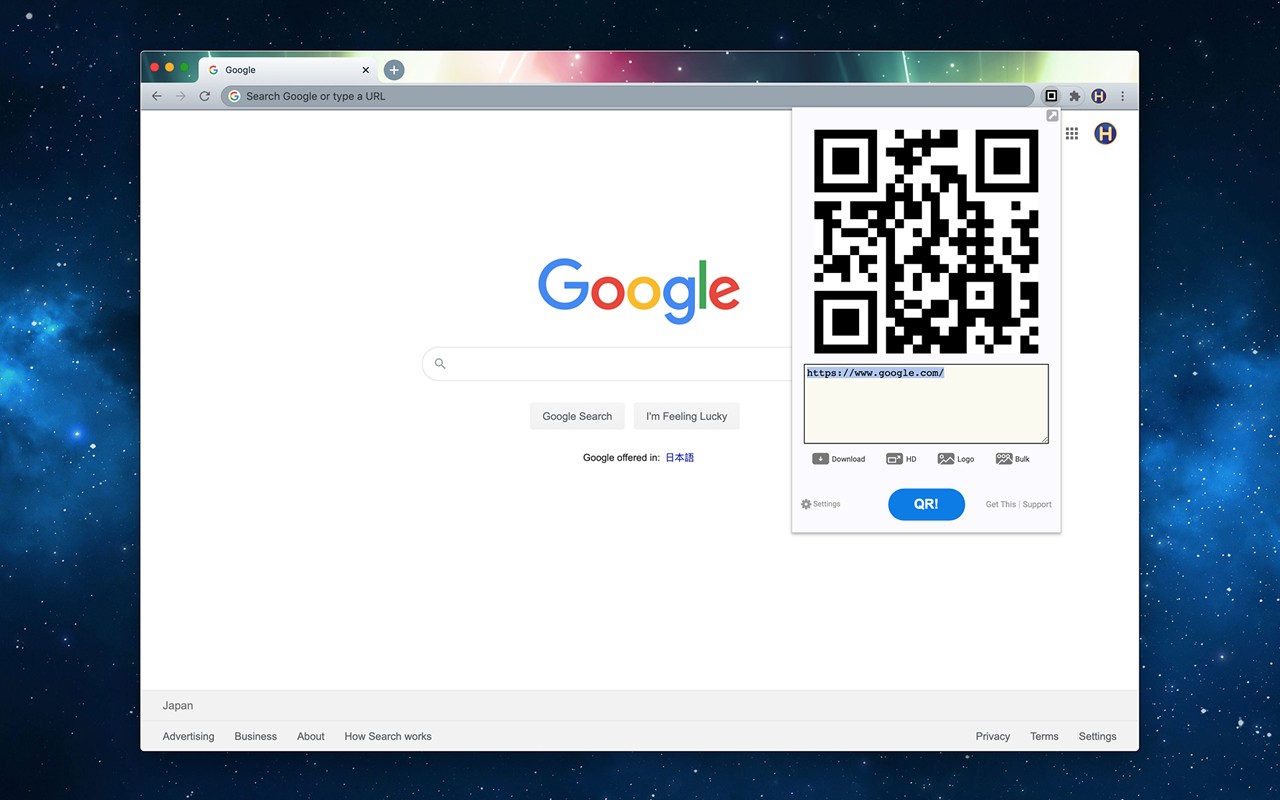
A quick tool for turning any webpage or custom text into a scannable QR code—right from your browser toolbar. Great for sharing resources, handouts, or class links without needing to copy and paste.
- Key features: One-click QR creation, downloadable PNG/SVG, optional customization
- Price: Free
AI-Powered Tools That Make Teaching Smarter
27. Magic School AI
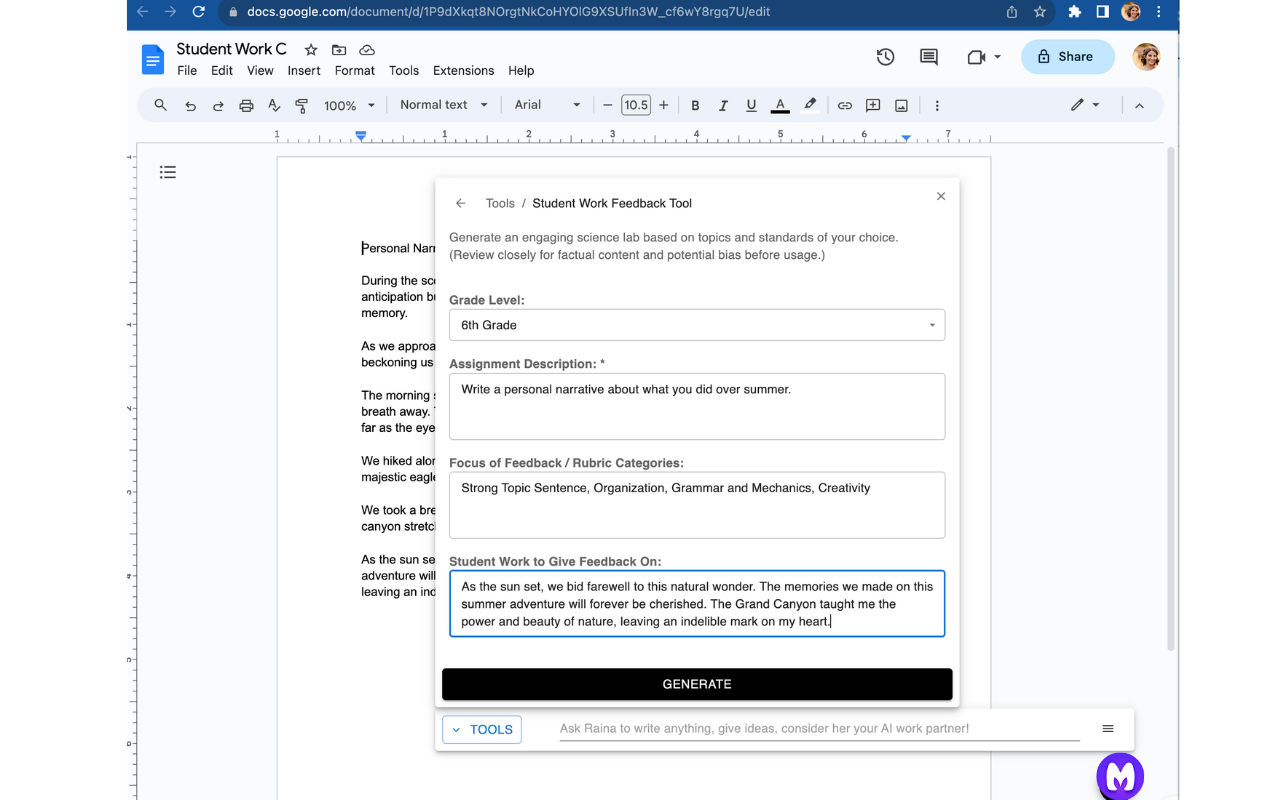
An AI-powered extension that helps teachers plan lessons, draft emails, differentiate instruction, and more—all without leaving the tools they already use. It integrates directly with Google Docs, Gmail, Classroom, and other platforms, letting teachers generate and insert content on the spot.
- Key features: 50+ tools including lesson planning, rubric and quiz creation, IEP writing, personalized feedback, and email drafting
- Price: Free plan available; premium features for schools
Check out this comprehensive list of MagicSchool AI alternatives compared.28. Brisk Teaching
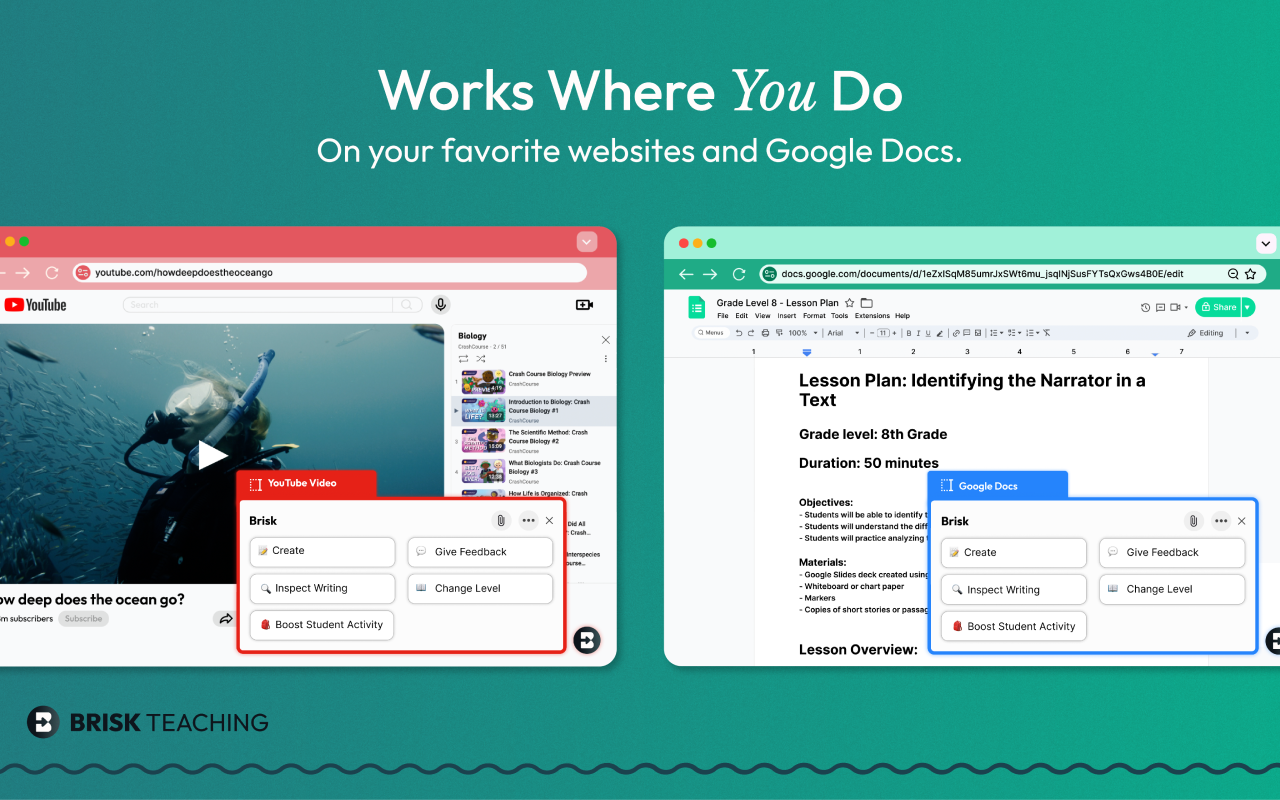
An AI-powered tool that helps teachers create materials, give feedback, and adapt student content faster. It works directly in Google Docs, Slides, and other platforms to generate lesson plans, adjust reading levels, and inspect student writing based on your content.
- Key features: Feedback generation, reading level adjustment, lesson and quiz creation, student writing analysis
- Price: Free with premium options available
29. Merlin
A multipurpose AI assistant that helps with writing, summarizing content, and researching—all within your browser. It supports chats with models like GPT-4 and Claude, summarizes web pages and videos and assists with writing emails, posts, and documents.
- Key features: AI chat with multiple models, website and video summarization, AI writing and replies, multilingual support, document chat
- Price: Free with paid plans for advanced features
30. WritingMate
An AI writing assistant powered by ChatGPT and GPT-4 that helps generate emails, blog posts, marketing copy, and more—right from your browser. Users can input a prompt and instantly receive suggestions, corrections, or full-text drafts, all while keeping data private and secure.
- Key features: Real-time writing suggestions, grammar correction, translation, image generation
- Price: Free with paid plans for additional features
31. CopyLeaks
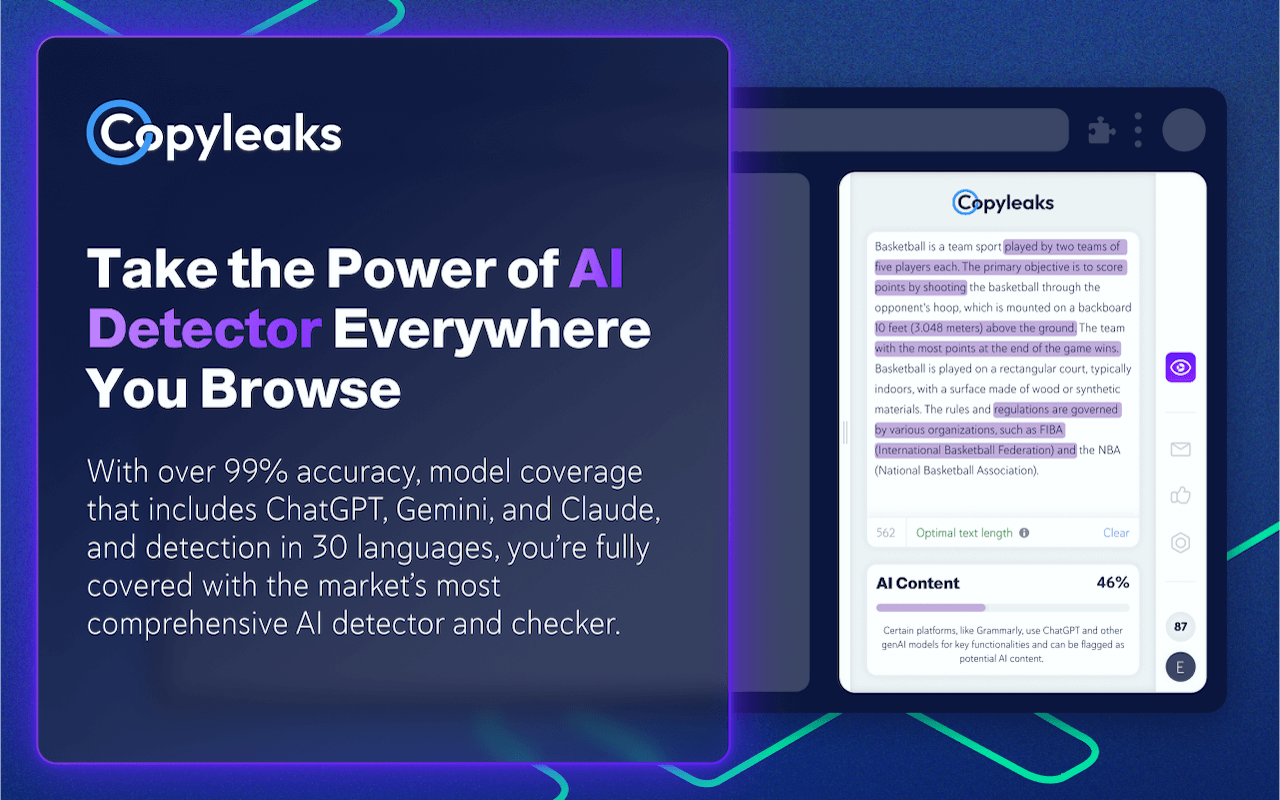
An AI-powered plagiarism and content originality checker that scans text against billions of sources to detect both copied and AI-generated content. The Chrome extension lets users highlight text, click the icon, and instantly see detection results—AI-generated content is marked in purple, and a confidence score appears below.
- Key features: Plagiarism detection, AI content detection, LMS integration, writing suggestions
- Price: Free trial available; paid plans for individuals and schools
For an all-in-one solution that supports AI-powered, smarter teaching overall, try exploring Edcafe AI.
 Albeit web-based and not exactly a Google Extension, Edcafe AI allows
you to create AI flashcards, lesson plans, slides, assessments, images,
chatbots, and more in seconds with just the same (better even)
convenience as a Google Chrome plug-in.








CustomersWhy Schools love Athena
Community of 8k+ members.
I used to spend hours creating differentiated worksheets with limited impact. Now, I can see exactly where each student is struggling in real-time. I noticed six students struggling with fraction division conceptually, so I pulled them for a targeted mini-lesson while others continued progressing independently.

FAQs
Is Athena safe and compliant with educational privacy standards?

Can Athena be used for different subjects?
How does Athena handle feedback and improve its AI models?
How does Athena provide personalized learning for each student?
What is Athena, and how does it help teachers and students?
How can I get my school or district on board?
How does Athena support responsible AI use for students?
What happens with student data?
Related blogs

2025-06-16 06:28:00 K-12
The Socratic Method of Teaching: Save These Examples & Tips

2025-11-18 11:17:00AI
Magic School AI vs 6 of the Most Mentioned AI for Teachers: Which Tool Is the Best for You?
2025-08-22 23:29:00AI
48 Best ChatGPT Alternatives: ChatGPT is Not the Only Tool for Education
2025-10-20 07:30:00How To
How To Use Perplexity AI for Teaching: Feature Deep Dive + Actionable Use Cases

2025-01-26 21:16:00News
Must-Read Top 10 Trends in Education 2025 and Actionable Insights for Teachers
2025-04-21 17:18:00News
10 Must-Have AI Tools for Teachers in 2025: Enhance Classroom Engagement with ChatGPT and Beyond
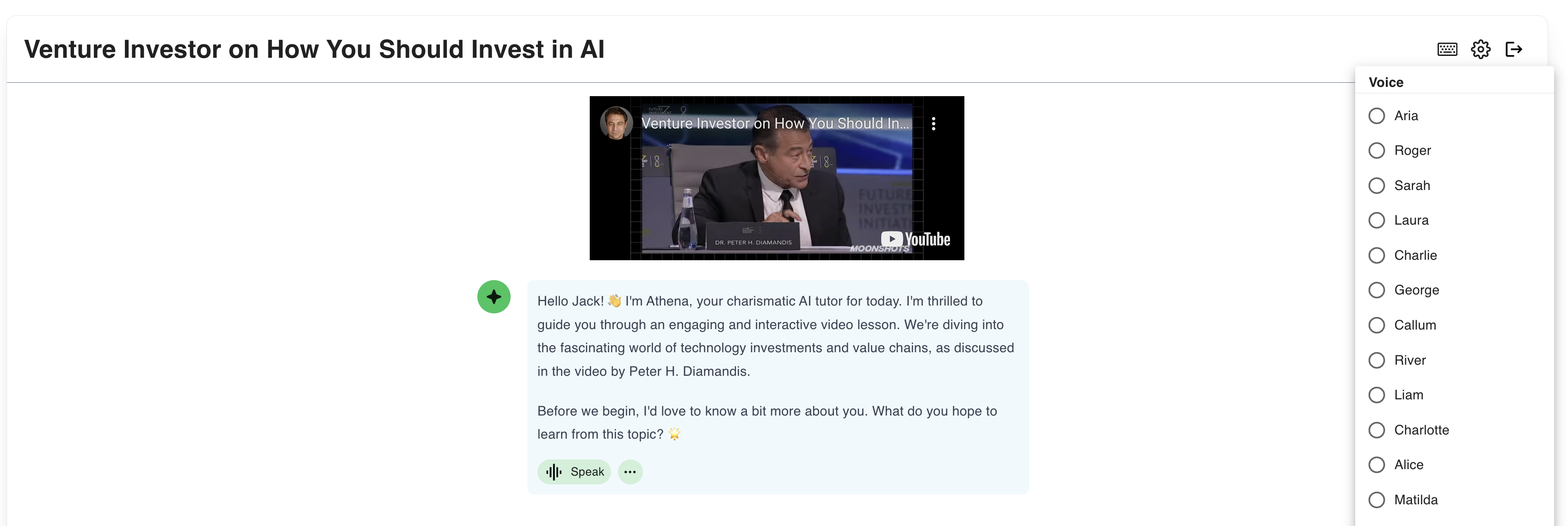
2025-08-27 03:13:00K-12
How Athena AI is Transforming K-12 Education Challenges Today
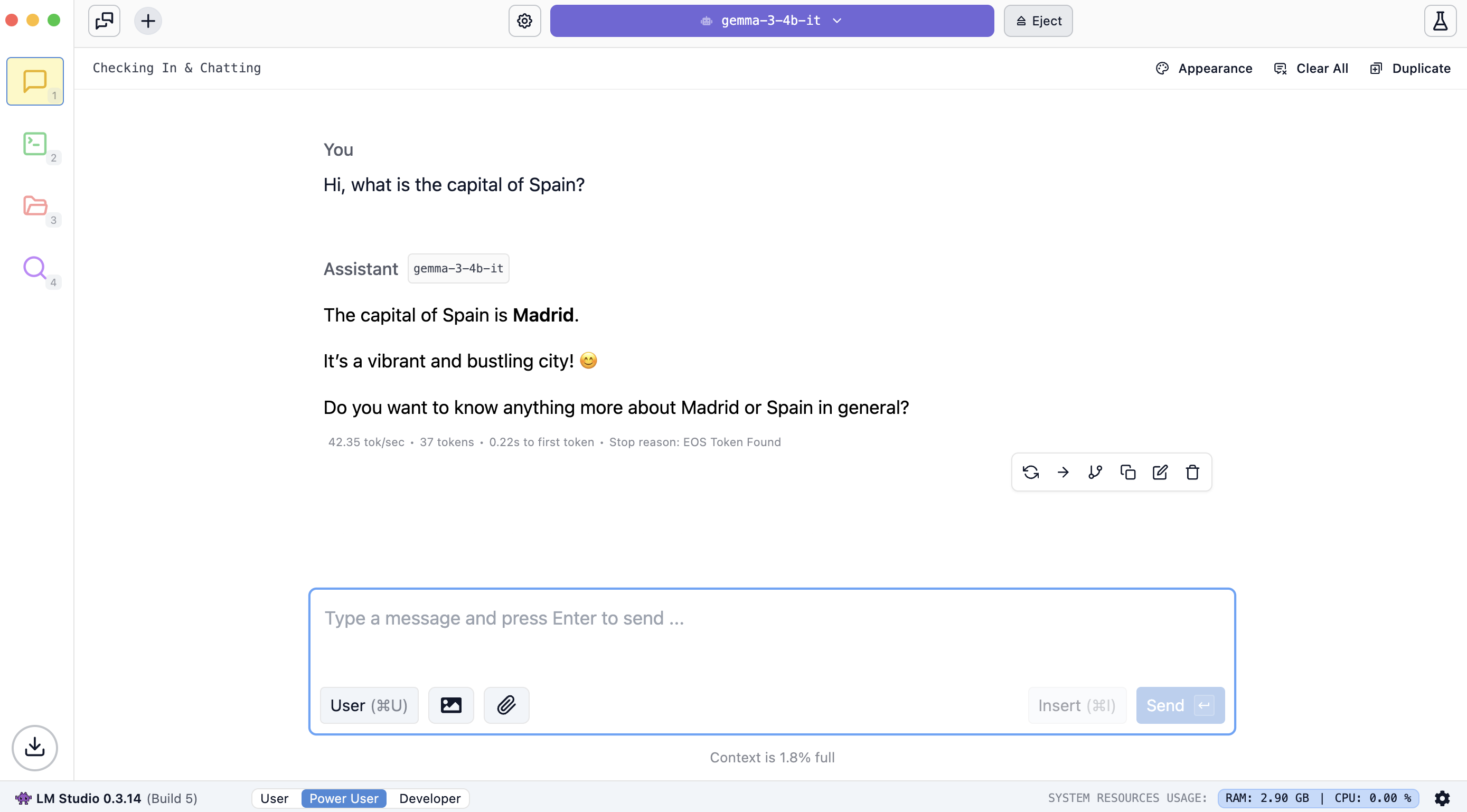
2025-06-04 04:56:00Guide
How to run AI privately on your own computer

2025-06-04 04:56:00New
Learn a new language with ChatGPT Voice
2025-10-22 07:30:00K-12
Top 8 Free Word Cloud Generator Apps You Need to Try in 2025
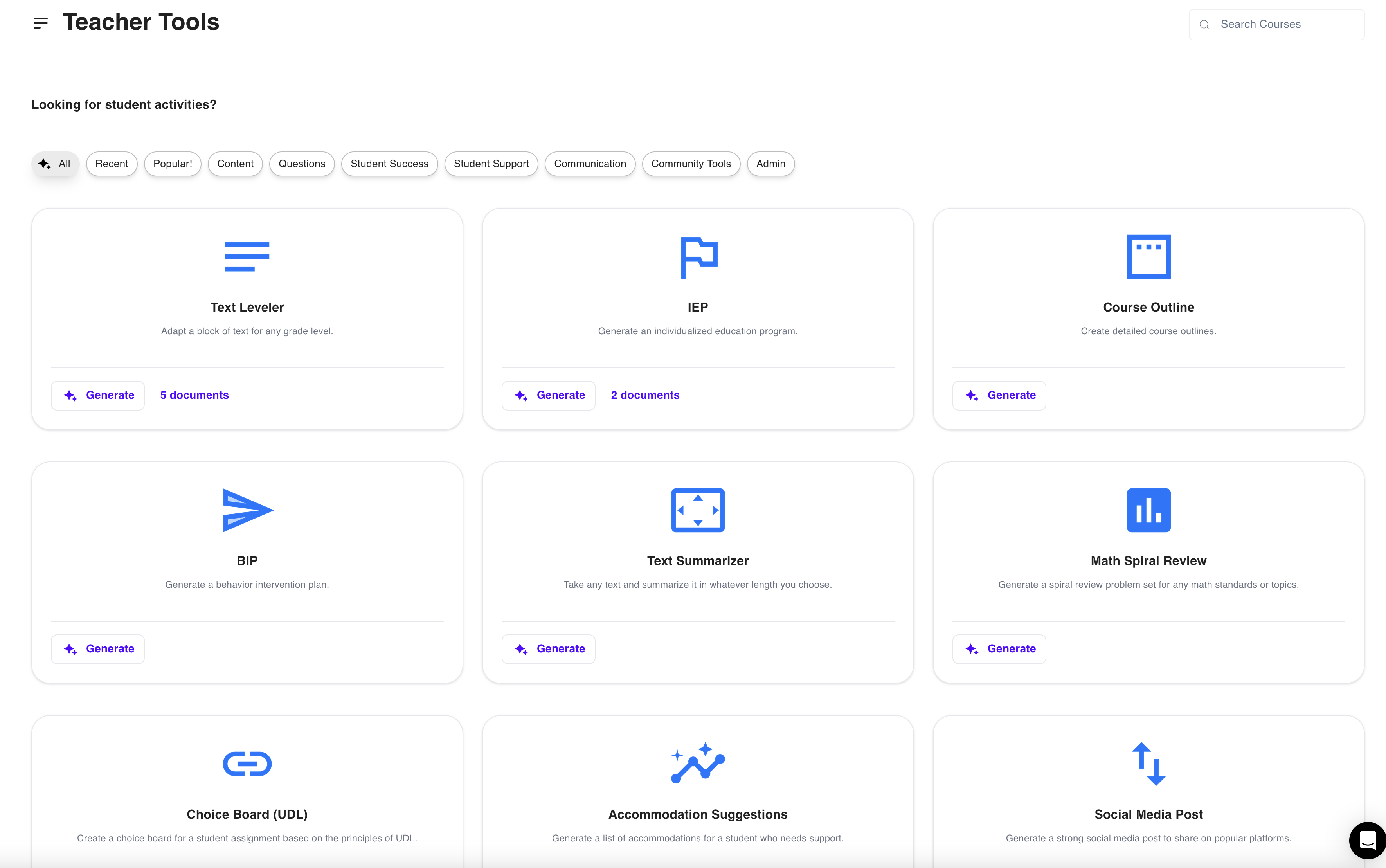
2025-02-14 04:28:00K-12
8 Best AI-Powered Teaching Assistants For the Busiest Teachers in 2025

2025-04-21 17:18:00AI
10 Effortless Ways to Use AI for Lesson Planning

2025-02-18 04:28:00AI
Top 20 Classroom Apps for Teachers to Use in 2025

2025-08-19 23:29:00
The 12 Best Free AI PowerPoint Generators in 2025

2025-06-08 17:09:00
The Socratic Method of Teaching: Save These Examples & Tips

2025-06-03 17:09:00
The Ultimate Gen Z Terms Dictionary for your class (Latest Top 70 Slangs You Need to Know)!

2025-05-21 10:41:00
Top 9 Key Gen Alpha Characteristics Teachers & Parents Must Know!

2025-05-25 21:39:00AI
How Easy It Is to Create a ChatGPT Lesson Plan: A 7-Step Guide for Beginners

2025-06-02 04:56:00Updates
How to generate comprehensive research reports with Perplexity Labs
2025-05-05 22:56:00
How to get ChatGPT to stop lying: 6 actionable tips for product managers

2025-06-05 08:34:00AI
9 Top AI Web Development Trends to Watch in 2025
2025-11-15 18:34:00AI in education
30+ Best Google Extensions for Teachers: Save Time, Teach Smarter

Secure, Private, and Built for Schools


